PayPal.me vs Stripe for artists: Future of Tips
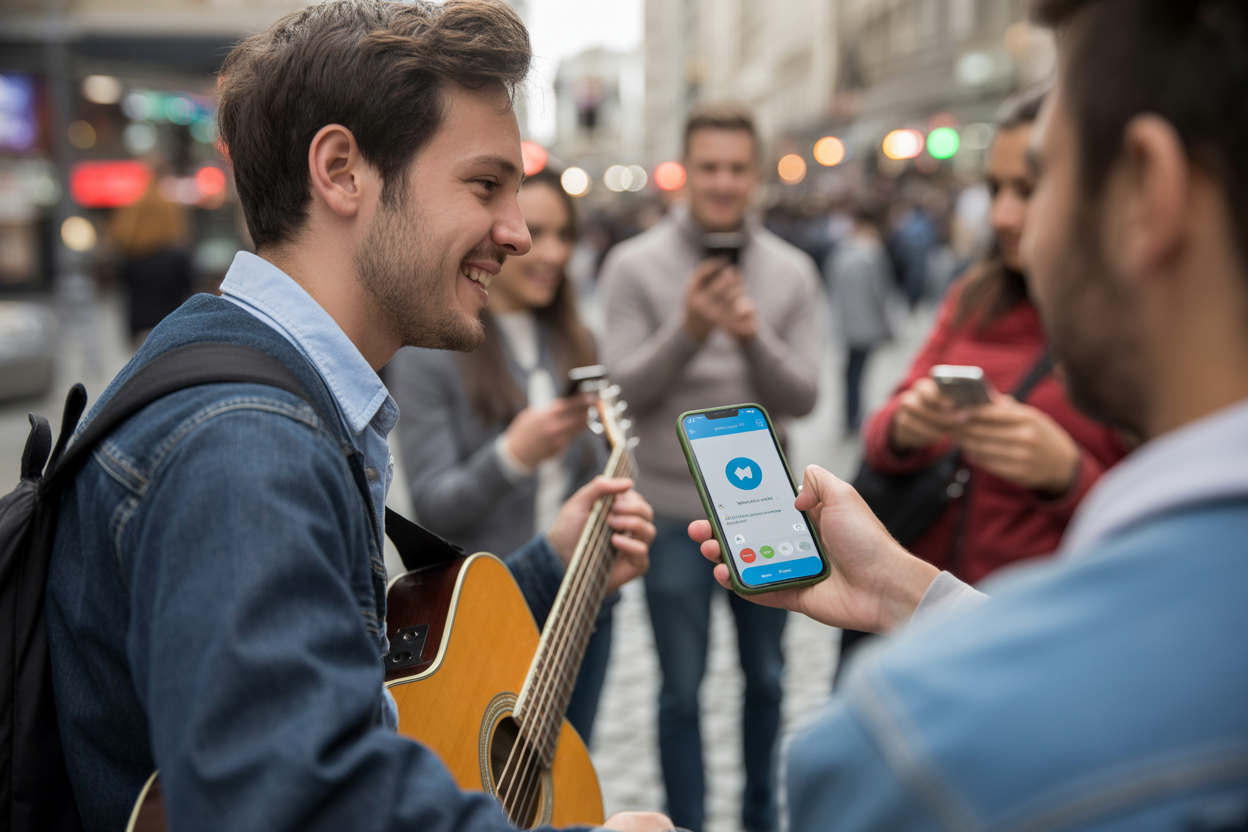
The image of the starving artist with an open guitar case hoping for spare change is iconic. It is also completely outdated.
We are living in a cashless society where fewer people carry physical money every single day.
If you are a street performer, a musician at a local venue, or a circus artist busking in the park, you have likely noticed the change.
People stop. They watch.
They smile. But when the show ends, they tap their pockets apologetically and walk away.
They aren't stingy. They just don't have cash.
This is where mobile payment solutions for artists step in to save the day.
The digital revolution has democratized how creators get paid.
You no longer need a merchant terminal or a complex point-of-sale system to accept support. All you really need is a link and a smartphone.
But which link should you use?
The debate around PayPal.me vs Stripe for artists is heating up. Choosing the right platform can determine whether a fan completes that transaction or gives up because the process was too complicated. It is about more than just transaction fees.
It is about user experience, trust, and speed.

You might be wondering if you should go with the household name everyone knows or the backend powerhouse that powers the modern internet. It is a valid question. Your earnings depend on the answer.
In this guide, we are going to break down exactly what you need to know. We will look at fees, ease of use, and which platform actually converts better for spontaneous tips. Whether you are juggling fire in a city square or playing acoustic sets in a coffee shop, maximizing your income is the goal.
The Death of Cash and the Rise of Digital Busking
Let's be real for a second. When was the last time you carried a significant amount of cash? If you are like most people, your phone is your wallet.
This shift has terrified many performers who rely on spontaneous generosity. But here is the good news: digital tips are often larger than cash tips.
When someone throws a coin in a hat, they give what they have in their pocket. That might be fifty cents.
It might be a quarter.
But when someone decides to tip digitally, they have to mentally select an amount. The friction is slightly higher, but the psychological baseline for a digital transaction is rarely fifty cents.
It is usually five dollars, ten dollars, or more.
This is necklaces "digital busking" advantage. By optimizing your setup for mobile payments, you aren't just recovering lost income from non-cash carriers.
You are potentially increasing your average tip size significantly. The key is speed. You need to capture that impulse to give before the spectator walks away.
This is why PayPal.me vs Stripe for artists is such a critical comparison. You aren't just comparing banking software.
You are comparing the speed at which a fan can support you. If they have to fill out a ten-field form on a majestic landing page, you lost them. If they can tap once and pay, you just bought lunch.
Before we dive into the technical specs, remember that your goal is to reduce friction. The fewer clicks between your fan's appreciation and your bank account, the better.
That is the golden rule of artist payments.
The industry is shifting rapidly.
Platforms are popping up everywhere, but the two titans remain PayPal and Stripe. They handle billions of dollars and offer the security your fans need to feel safe sending money to a stranger on the street.
PayPal.me: The Trusted Giant
I mean, who doesn't know PayPal?
The platform has been around pretty much since the dawn of internet commerce. A few years back, they rolled out a game-changer for artists called PayPal.me, which totally stripped away all the clunky invoicing and complex buttons of the past.
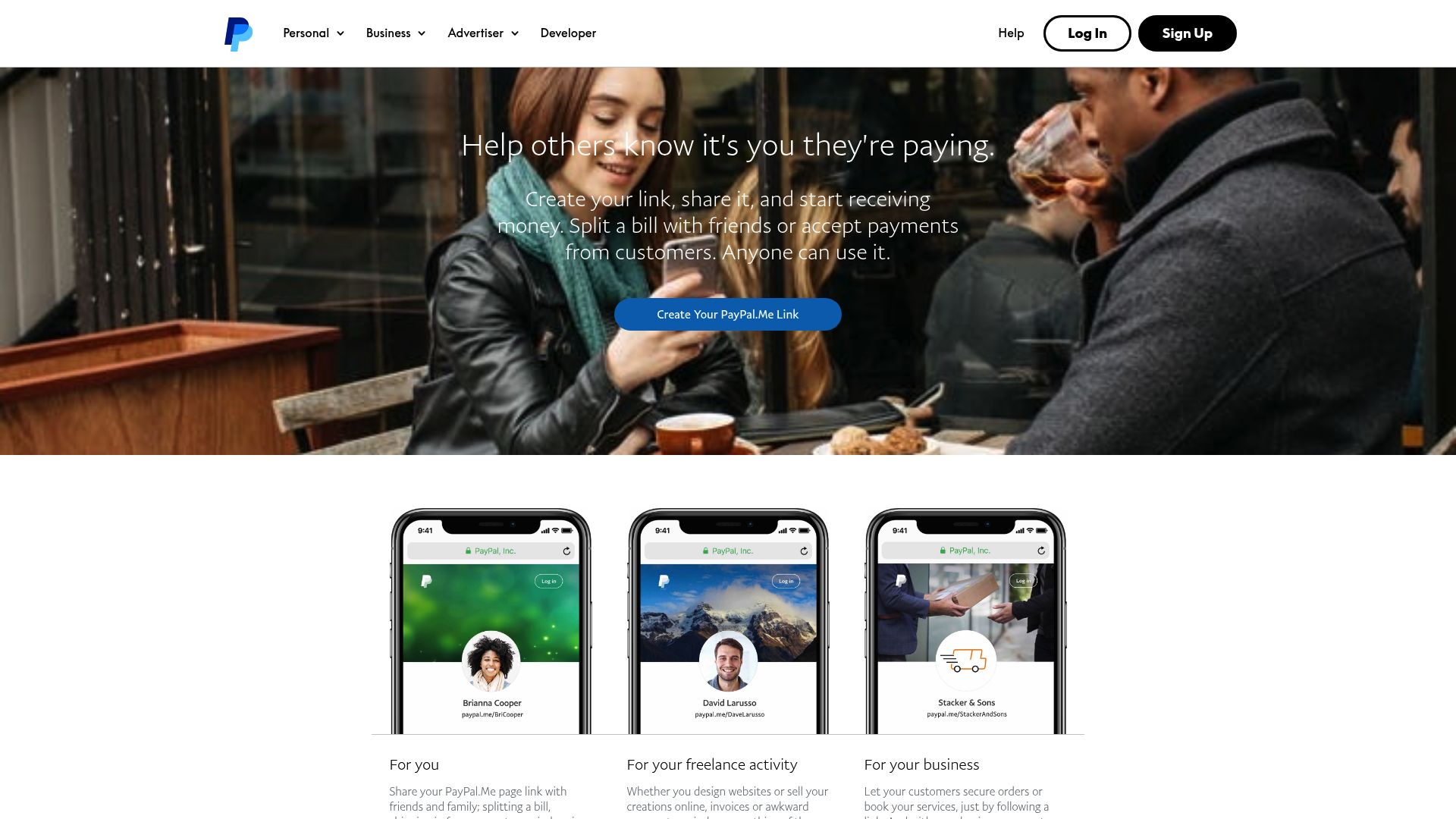
At its core, it's just a personalized link. You claim your name, share the URL, and people can pay you.
It's incredibly simple.
The Trust Factor
For street performers, trust is a massive deal—it's like another form of currency. If I scan a QR code from some musician I just met, I'm probably going to be hesitant about typing my credit card details into a site I've never seen before. But if that QR code brings me to a PayPal page, I instantly relax.
I know PayPal. I trust PayPal.
In fact, research shows that PayPal’s brand recognition is a huge driver for conversions.
It's a global standard that's supported in over 200 countries source: Justt.ai, so for most fans, seeing that blue logo is a green light.
Ease of Setup
You do not need to be a coder to use PayPal.me. If you can set up an email address, you can set up a payment link. This accessibility is why "can street artists accept PayPal" is rarely a question of ability, but rather one of preference.
The barrier to entry is virtually zero source: Unibee.dev.
This simplicity makes it the default choice for many emerging artists. You create the account, get the link, and print it out. Done.
There is no API integration, no webhooks to manage, and no merchant account validation processes that take weeks. It is instant gratification for the artist.
The Fee Structure
Here is where things get a little sticky.
PayPal’s fees can be confusing. For standard transactions, you are looking at roughly 2.9% plus $0.30 per transaction.
If you are receiving a $5 tip, that $0.30 fixed fee eats up a chunk of your earnings.
However, PayPal does offer a micropayments rate for transactions under $10, which changes the math to 5% plus $0.05.
This is crucial for street artists where small tips are common source: Justt.ai. You need to apply for this, but it is worth it if your average tip is low.
Stripe: The Developer's Dream
On the other side of the ring in the PayPal.me vs Stripe for artists battle is Stripe.
Stripe is the darling of the tech world.
It powers the checkout flows for companies like Amazon, Google, and Spotify.
Stripe isn't really an app you "log into" to pay people like PayPal.
It is an infrastructure. For an artist, using Stripe usually means you have a website or a third-party platform that uses Stripe to process the card.
The Professional Esthetic
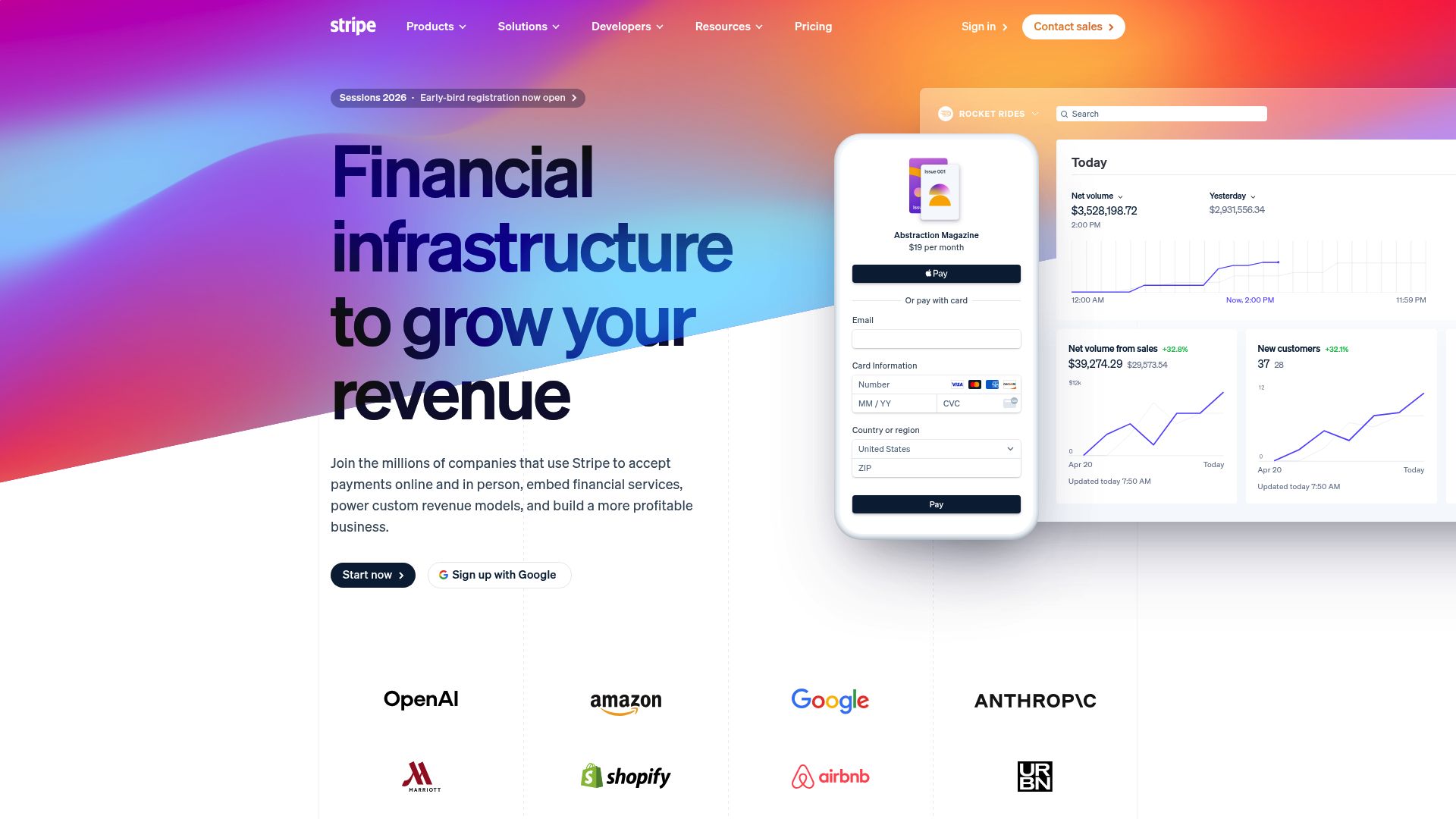
Stripe allows for a completely white-labeled experience.
This means your fan stays right there on your page—they don't get sent off to a separate blue PayPal window. They stay inside your world.
For any artist who really cares about branding, that's a massive plus source: Chargebee. It just feels more professional and looks like a proper store checkout. Plus, if you're selling merchandise alongside accepting tips, Stripe creates a really seamless cart experience that PayPal, in its basic form, sometimes has trouble matching.
Fee Transparency and International Power
Stripe is generally praised for having a cleaner fee structure. It is predictably 2.9% + $0.30. While they don't have the same "micropayment" fame as PayPal, their currency conversion fees (usually 1%) are often better than PayPal's, which can climb significantly higher source: MoneyHub.
If you are an artist with a global fanbase sending support from Europe, Asia, and the Americas, Stripe often works out cheaper on the cross-border fees. It supports over 135 currencies, allowing fans to pay in their local money while you get paid in yours source: Justt.ai.
The Technical Hurdle
Use caution here. Stripe is not a "get a link and go" solution in the same way PayPal.me is.
You usually need a wrapper. This means you either need to code a checkout form on your website, or use a service that integrates with Stripe.
You cannot just tell a fan "Stripe me." That is not how it works.
This adds a layer of complexity. If you are technically challenged, you might find yourself frustrated trying to set up API keys.
However, looking at resources like the payment documentation on submi.ai can give you an idea of how modern platforms integrate these systems to make them easier for end-users.
Head-to-Head: The Critical Comparison
Now that we have met the contenders, let's smash them together. When deciding on PayPal.me vs Stripe for artists, you need to look at specific categories. We are going to break this down based on real-world artist needs.
1. User Experience for the Fan
PayPal.me relies on the fan having a PayPal account for the smoothest experience. If they do, it's one click.
If they don't, they have to enter credit card info as a "guest," which can be clunky on mobile.
PayPal pushes users hard to create an account, which can be an annoyance when someone just wants to give you five bucks.
Stripe, conversely, allows for users to enter a credit card directly on a form. With mobile wallets like Apple Pay and Google Pay integrated into Stripe checkouts, the fan can just use FaceID and pay instantly. This is becoming a serious competitor to PayPal's "one-click" dominance.
2. The "Street" Factor
Can street artists accept PayPal easily?
Yes.
You print the QR code, they scan, they pay.
It works. But what about Stripe?
Since Stripe requires an interface, you need a landing page.
You cannot print a "Stripe QR code" without a website behind it.
This is a crucial distinction. PayPal.me IS the destination. Stripe is the ENGINE.
To use Stripe, you need a car (a website or app) to put the engine in. For a street artist without a website, PayPal wins by default unless they use a third-party intermediary.
3. Payout Speed
You performed tonight. You want to eat tonight.
PayPal puts the funds in your PayPal wallet instantly. You can use a PayPal debit card to spend that money five minutes after receiving the tip. That is cash flow velocity.
Stripe typically does rolling payouts. This means your money is deposited into your bank account 2 to 7 days later, depending on your country and history source: Zapier.
If you're an artist living gig-to-gig, having to wait a week for your Saturday night tips could be a total dealbreaker.
Key Considerations for Street Artists
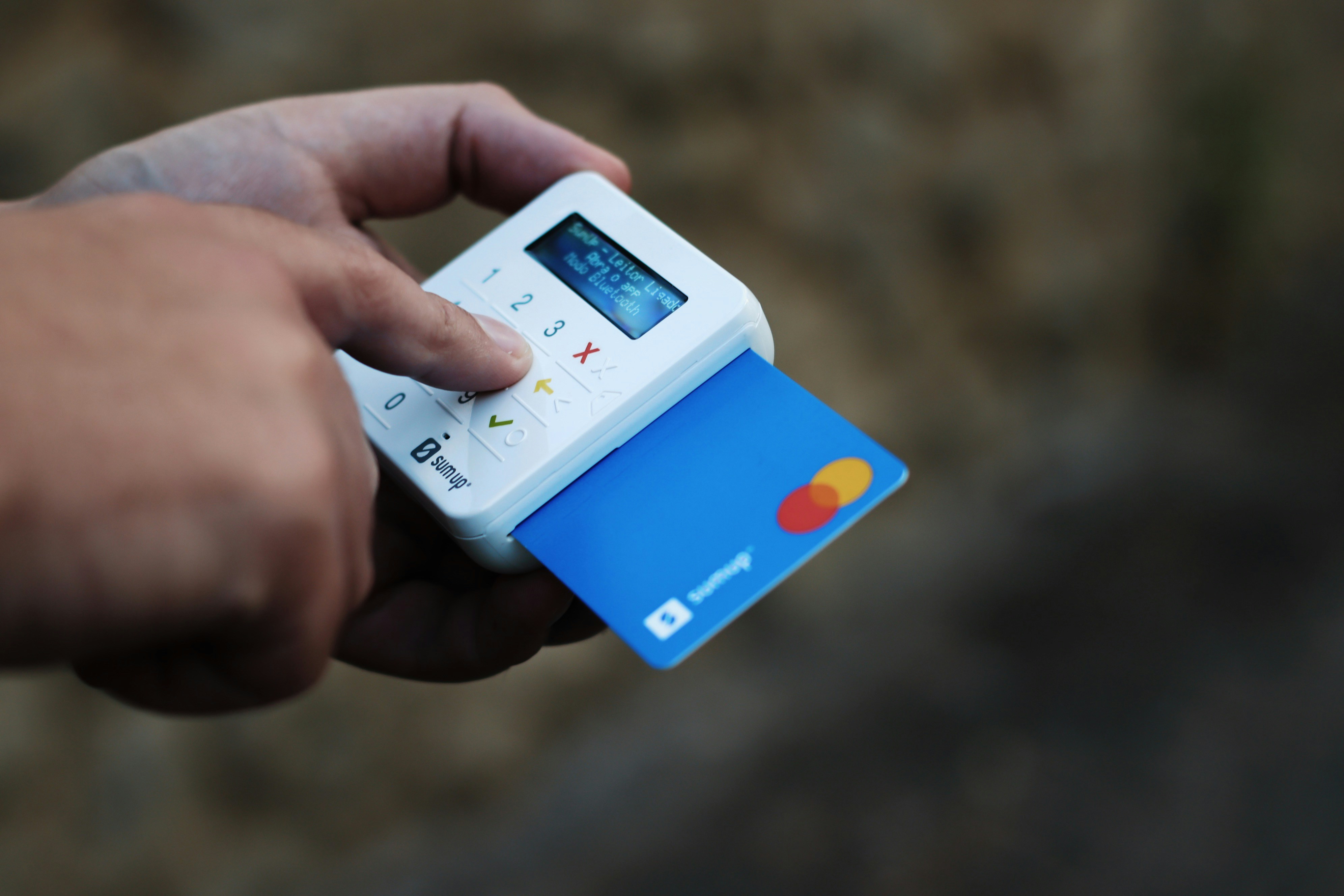
Street performance is its own animal—it demands speed and reliability. You just don't have the luxury of trying to fix a tech glitch while a crowd stands there watching you.
The internet connection might be spotty. It might be raining.
Simplicity is your best friend.
In the context of PayPal.me vs Stripe for artists, PayPal offers a robust "set and forget" capability. Once your link is live, it rarely goes down. It doesn't depend on your website hosting being active.
It relies on PayPal's servers, which are fortress-level reliable.
However, consider the aesthetics. A printed PayPal QR code looks...
transactional. A custom artist page looks like an experience.
And this is where the conversation shifts from "how do I get paid" to "how do I build a fanbase."
If you just take the money, you are a transaction.
If you take the money and connect them to your Instagram, your Spotify, and your newsletter, you are building a career.
This is why a simple payment link often isn't enough.
The "Scan Anxiety"
Fans are wary of QR codes glued to lamp posts. They worry about malware.
When you use a recognizable platform or a professional artist page, you reduce that anxiety. Branding matters, even for street performers.
A professional landing page that hosts your payment options signals legitimacy.
The Middle Way: Using an Aggregator
Why choose?
Many smart artists realize that limiting fans to one payment method is leaving money on the table.
Some people hate PayPal. Some people love it. Some people only use Apple Pay.
The smartest move is often to use a "Link in Bio" style page or a dedicated Artist Page that offers multiple options. You present a menu.
"Support me via PayPal" and "Buy me a Coffee (via Stripe)."
This is where platforms like Kiosque QR shine. We understand that you don't want to build a website from scratch just to integrate Stripe.
But you also want more than just a naked PayPal link.
You need a home base.
By using a dedicated artist platform, you can bridge the gap. You get the professional look that Stripe fans appreciate, with the backend simplicity that you need.
You can direct your fans to a single hub where they can choose how to support you.
How Kiosque QR Solves the Dilemma
We built Kiosque QR because we saw artists struggling with this exact choice. You are a musician, a juggler, a magician. You are not a web developer.
You shouldn't have to worry about API keys or webhook integrations.
Kiosque QR is designed to be the perfect intermediary.
Here is how we position ourselves in the PayPal.me vs Stripe for artists debate: we take the best of the "easy" world and combine it with the "pro" world.
The Premium Advantage
With our Premium Version, we have integrated the "Tips" button directly. It uses the simplicity of the PayPal.me link structure but embeds it into a beautiful, custom artist profile.
You aren't just sending someone to a payment processor.
You are sending them to your page.
They scan your code. They see your face, your bio, your Instagram links, AND the button to support you. This context increases tipping conversion rates.
People give more when they feel a connection to the human behind the act.
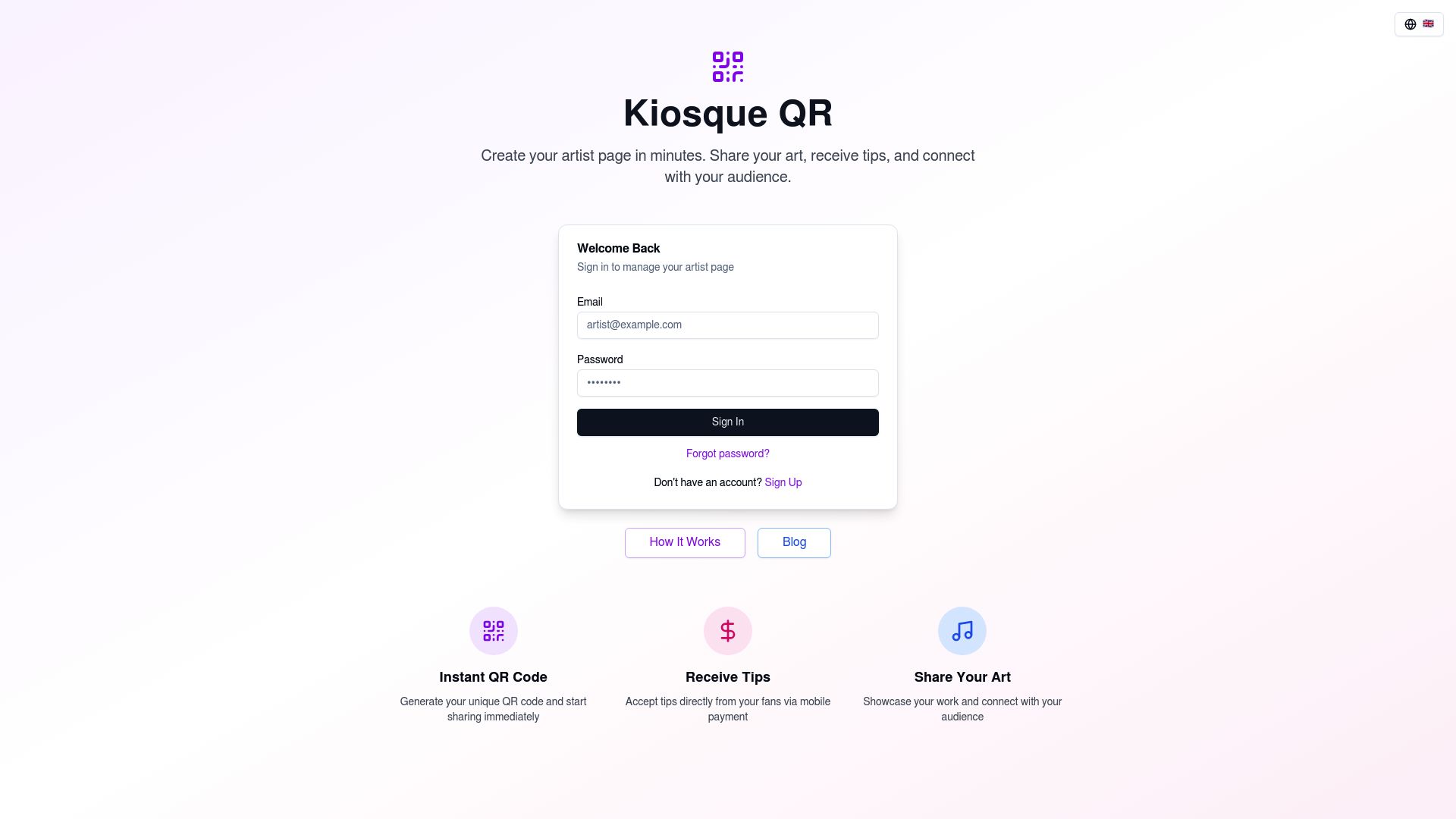
It’s simpler than a website, but much more powerful than a plain PayPal link. No coding needed. Everything is ready.
Our whole belief is that you shouldn't have to choose between branding and ease of payment. You perform, they scan, you earn.
It allows you to capture the audience on all networks while simultaneously monetizing the performance.
Practical Strategies to maximize Digital Tips
Having the right tool (PayPal or Stripe) is only half the battle. You have to know how to use it.
Here are some actionable takeaways to boost your revenue immediately.
1. The Call to Action (CTA)
Don't just stick a QR code on your guitar case and hope for the best. You have to verbalize it.
But don't sound desperate.
Try this: "If you enjoyed the show and don't carry cash, you can support me by scanning this code—it also links to my Instagram if you just want to say hi!"
This lowers the pressure. You aren't just asking for money; you are offering connection. The tip often follows naturally.
2. Visual Visibility
Your QR code needs to be huge. If someone has to squint from five feet away, they won't do it.
Print it large.
Put it on a contrast background. Make sure it is readable in low light if you perform at night.
3. Suggest Amounts
If you use a platform that allows it (like some Stripe integrations or PayPal presets), suggest amounts.
$5, $10, $20. Decision paralysis is real.
If a fan has to type in a number, they might hesitate. If they can just tap "$10", they often will.
4. The Post-Show Interaction
While packing up, keep the code visible. Many people are shy. They don't want to walk up to you while you are playing.
They wait until you stop. Make sure your digital tip jar is the very last thing you pack up. For those of you interested in other digital tools for creators, checking out the homepage of mnpro.ch might offer some useful insights, but let's be honest—getting your payment setup right is priority number one.
For those interested in broader digital tools for businesses and creators, checking out the homepage of mnpro.ch can provide insights into other digital efficiencies, though staying focused on your payment setup is priority number one.
The Future: Beyond One Platform
The battle of mobile payment solutions for artists is changing. We are seeing the rise of "Tap to Pay" on iPhone, where you can turn your phone into a terminal without any extra hardware. Stripe is leading the charge on this technology.
However, until that becomes ubiquitous, the QR code remains king. It is universal.
It works on Android and iOS.
It requires no proximity (you can scan from a distance).
It is the bridge between the physical world of your performance and the digital world of banking.
We are also seeing crypto creeping into the space, though it remains niche. For now, sticking to the big guns—PayPal and Stripe—is the safest bet for covering 99% of your audience.
Making the Final Decision
So, PayPal.me vs Stripe for artists?
Here is the verdict.
Choose PayPal.me if:
- You want the absolute fastest setup (5 minutes or less).
- You are technically averse and hate dealing with "backend" settings.
- You want instant access to your cash via a debit card.
- Your audience is general population (everyone has PayPal).
Choose Stripe if:
- You are building a custom website or store.
- You want a fully branded checkout experience with no redirects.
- You have a developer friend or know how to code.
- You are dealing with high volume and want to optimize international fees over the long term.
Choose Kiosque QR if:
- You want the best of both worlds.
- You need a "Link in Bio" that also handles tips effortlessly.
- You want to look professional without hiring a designer.
- You want to transform spectators into Instagram followers and paying supporters simultaneously.
The industry is moving fast. Don't get left behind holding an empty hat. Digital tipping is not just a trend; it is the new standard.
By choosing the right platform, you ensure that your art is valued, your pockets are full, and your career keeps moving forward.
Ready to modernize your act?
Create your Kiosque QR artist page today. In one minute, you can have a professional digital presence ready to accept tips and connect with fans.
Stop losing money to the cashless economy.
FAQ
Can street artists accept PayPal without a business account?
Yes, you can use a personal PayPal account to receive money via PayPal.me. However, treating it as a business transaction is better for tax purposes and keeps your personal finances separate.
Is Stripe cheaper than PayPal for small tips?
Generally, no. PayPal offers a micropayments rate (5% + $0.05) for transactions under $10 which is usually cheaper than Stripe's standard rate (2.9% + $0.30) for very small amounts, because the fixed fee on Stripe eats up a high percentage of a small tip.
Do I need a website to use Stripe?
Technically, yes, or at least a platform that integrates Stripe. You can't just generate a generic "Stripe link" the way you can with PayPal.me.
You need an interface, like a Kiosque QR page or a personal website.
Which is safer for the artist?
Both are incredibly safe. They comply with the highest levels of banking security regulations (PCI compliance).
The risk is not in the platform but in how you share your info. Never share your login passwords.