3 Ways for Mobile Payment for Artists No Fees
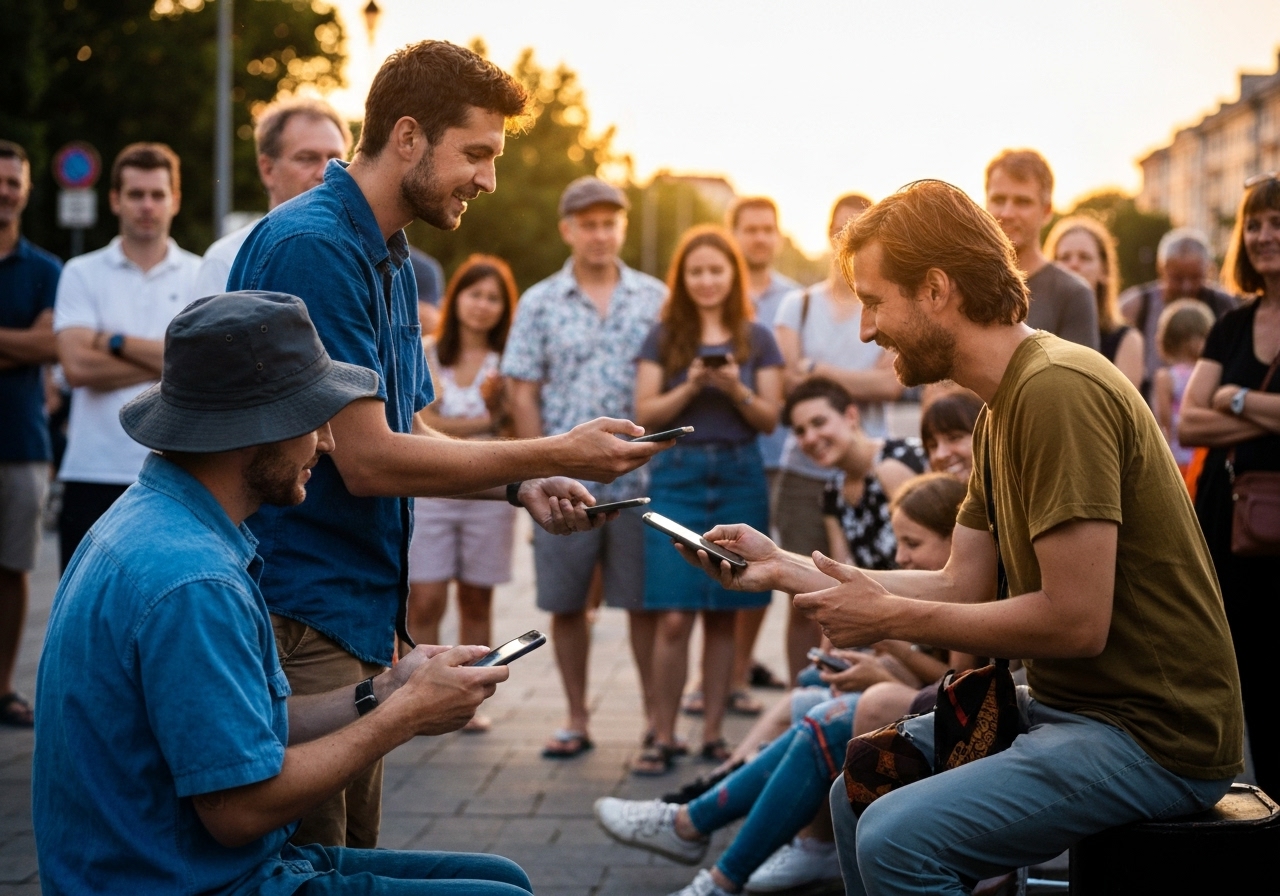
Picture this: you've just crushed your set. The crowd is buzzing, people are smiling, and they're reaching for their pockets.
But fewer and fewer people carry cash these days.
You see someone pull out their phone, looking for a QR code or a tag to scan. This is the moment where you get paid.
But then the worry hits you. How much of that tip is actually going to land in your bank account?
If they send $10, do you keep $10?
Or does some platform take a slice of your hard-earned money?
We are going to dive deep into the world of mobile payment for artists no fees. It is a topic that confuses many performers, from street buskers to gallery painters.
You want to keep every cent. We get it.
So, are fees eating into your tips?
Let's dig into the world of "fee-free" mobile payments for artists and see what's really possible and what's just a myth.
The Truth About "No Fee" Mobile Payments
Let's be real for a second—the whole idea of completely free payment processing is pretty tricky.
You hear about apps that claim to be free. But often, there is a catch lurking in the fine print.
When you look for mobile payment for artists no fees, you usually find two types of costs.
First, there are platform fees.
This is what an app charges you just to use their software.
Second, there are processing fees.
This is what Visa, Mastercard, or banks charge to move money electronically.
Finding a service that eliminates the first one is easy. Kiosque QR, for instance, lets you create a profile without a subscription in the basic version.
However, eliminating the processing fee is the real challenge.
Almost all card and wallet systems charge some processing fee. Providers usually pass that fee to you as a merchant fee.
Sometimes, they hide it in spread or conversion costs if you are dealing with different currencies.
So, is mobile payment for artists no fees possible?
Technically, zero-cost processing is extremely limited for business transactions.
But you can structure your setup so that you pay nothing (or close to nothing) and keep a larger share of tips.
Why "Free" Payments Are So Rare
Money movement costs money.
The card networks maintain massive infrastructure to ensure payments are secure and fast.
When a fan taps their phone or card, a whole chain of data verification happens in milliseconds.
And guess what?
Everyone in that chain wants their cut—the bank, the card issuer, and the payment processor.
You'll see 'free' thrown around a lot, but what reliable sources like The Retail Exec point out is that it usually just means no setup or monthly fee; you still get hit with per-transaction fees.
This goes for all the big players, including Stripe, Square, and PayPal.
Or, it could mean the platform itself isn't taking a commission, but the payment is still quietly running through a processor in the background that charges a fee.
So for artists and performers, the real question changes.
It is less about "no fees at all" and more about how to keep fees as low as possible.
You need to avoid extra platform cuts on top of the unavoidable processing fees.
Analyzing the Top Contenders: PayPal.Me vs Stripe for Artists
When you start looking for solutions, two names dominate the conversation.
You will likely find yourself comparing paypal.me vs stripe for artists.
They both have their pros and cons, and figuring them out is how you save money.
PayPal.Me: The User-Friendly Giant
We all know PayPal, right?
Almost everyone has an account, and with PayPal.Me, you get a personalized link that you can pop right onto your Kiosque QR page easily.
People see the logo and trust it, which is a huge plus.
The catch?
The fees can be all over the place, depending on where the money is coming from. If a fan sends cash as "Friends and Family," you might get it for free.
Many fans will default to the business option to protect their purchase, which triggers the fee.
Stripe: The Professional standard
Stripe is often considered the darling of the developer world, but it is great for artists too.
It usually offers a cleaner, more professional checkout experience if you have a website.
Stripe generally charges a flat rate (like 2.9% + 30 cents) for online transactions.
One review I saw from The Retail Exec notes that Stripe has a "free-forever plan with no setup or monthly fees," but you'll still have transaction fees on every single payment. Source: The Retail Exec.
A lot of pros prefer it because of this transparency.
You know exactly what's coming out of each tip.
Comparison Summary
| Feature | PayPal.Me | Stripe |
|---|---|---|
| Setup Fee | $0 | $0 |
| Monthly Fee | $0 | $0 |
| Transaction Fee | Varies (High if International) | Standard (~2.9% + fixed fee) |
| Ease of Use | Very High | High (requires integration) |
In the whole debate of mobile payment for artists no fees, it's clear neither one is actually free.
But Stripe often wins on predictability for professional setups.
Platforms That Advertise "No Fees"
There are platforms that shout about having zero fees.
You need to read the fine print.
Let's look at a few that arguably get closest to the dream of mobile payment for artists no fees.
ArtPal
If you are a visual artist, you might have heard of ArtPal.
ArtPal is an online gallery and marketplace with over 200,000 artists. Source: WebFX.
According to WebFX, ArtPal is pretty clear that they have no fees to join, to sell, or to process payments.
They even have print-on-demand, which makes it a pretty good option for a studio artist, illustrator, or photographer to use as a tip destination.
You could just send your fans to your ArtPal gallery from a live show or your socials, where they can support you by grabbing a low-cost item.
📸 artpal.com
The Caveat: But here's the catch: even if ArtPal isn't charging you directly, someone is paying fees.
ArtPal may be eating that cost or recovering it through print-on-demand pricing.
As an artist, though, this looks close to "zero fee" on your side for online sales.
WooCommerce (The DIY Route)
If you want control, building your own site is a power move.
WooCommerce is free software that you can add to a WordPress site. It charges no platform fee or commission.
Here is how you make this work for tips:
- Create a "Pay What You Want" product.
- Link it to your Kiosque QR landing page.
- Fans checkout on their phones.
You only pay the pure processor fee (Stripe or PayPal). There is no "middleman" taking an extra 5% cut.
This is one of the most effective ways to approach mobile payment for artists no fees.
You minimize the "fee stack" by removing the platform layer entirely.
The Social Media Funnel: Instagram & Pinterest
Social media isn't just for likes.
It's basically a funnel for getting paid.
And if you set them up cleverly, some social platforms won't charge you added selling fees.
Take Pinterest. Selling via Pinterest is often described as 100% free, at least when you're talking about platform fees.
You don't pay for a business account, for listing products, or for shoppers browsing your Pins.
Printful notes that Pinterest simply links out to your store, and that store's processor is what charges the normal payment fees.
This means Pinterest isn't taking an extra cut of your art sales. Source: Printful.
Instagram Shop
And what about Instagram?
A basic IG Shop with product tags and links is generally free to use.
Printful confirms there are no Instagram platform fees if the checkout happens on your own site. Source: Printful.
But—and this is a big but—be careful.
If you enable "Instagram Checkout" so people can buy right in the app, fees kick in. You're usually looking at a 5% selling fee per shipment on top of the regular processing costs.
As Printful points out, a pro tip is to use Instagram to redirect fans to your personal artist page (like your Kiosque QR page) to avoid that 5% fee. Source: Printful.
Eyestetix Studio / Unsplash
The Kiosque QR Advantage
Okay, so we've talked about a bunch of different tools.
The problem is managing them all.
You have an ArtPal link, a PayPal link, a website link, and your Instagram.
When you are performing, you cannot shout out four different URLs.
This is where Kiosque QR shines.
Our platform lets you whip up an artist page in about a minute, no tech wizardry needed.
This is where you bring it all together.
Instead of just hoping your audience finds your best "no fee" payment link, you guide them straight to it.
So, how does this help your wallet?
- Customize your page: You get to add your name, photo, and all your links.
- Download your QR code: Then you display it during your performances.
- Premium Version: And with Premium, you can receive online tips directly through your PayPal.me link.
By using Kiosque QR, you bridge the physical world (your audience) with your digital wallet.
You present the most efficient, low-fee payment methods to your fans in one scan.
It simplifies the process. You perform, they scan, you earn.
Strategies to Keep More of Your Tips
Since a 100% pure mobile payment for artists no fees solution is rare, we need strategy.
Fee optimization is the name of the game.
1. Split Your Streams
First off, don't rely on just one method. It's about using the right tool for the right situation.
For online tipping, try using ArtPal or your own site to avoid commissions. You can use ArtPal as a simple "support my work" destination, since it handles the platform costs.
For in-person gigs where you need speed, a no-monthly-fee mobile processor is your friend.
This way, you only pay when you actually earn. 2.
The "Cash and Card" Hybrid And hey, cash is the true "zero fee" option.
2. The "Cash and Card" Hybrid
Cash is true "zero fee." Never get rid of your physical tip jar.
But many people don't carry cash.
You need to offer alternatives.
Position your QR code right next to your cash jar.
Clear signage is crucial. A sign saying "Tips: Cash · Card · Online (scan QR)" gives them choice.
Some supporters will naturally choose the method that is easiest for them.
3. Account for "Overhead"
Think of transaction fees like rent for your digital space.
Just as a homeowner needs to maintain their roof to protect their house, you need to maintain your payment channels to protect your income.
It is an operational cost.
Speaking of maintenance, professional services like Toiture Pro Tech understand that neglecting the foundation (or roof) leads to higher costs later.
Similarly, trying to avoid a small 2% fee by using a sketchy, non-secure payment app could cost you usage and trust.
Honestly, accepting a small fee for a secure, reliable transaction is a thousand times better than losing the tip entirely.
Evaluating New "No Fee" Tools
New apps pop up every day.
So how do you know if they're legit?
When you see a provider marketed as "no fee," run it through this quick checklist.
- Is there a setup fee?
- What about a monthly or annual fee? Are there fees for payouts or withdrawals? Are there currency conversion fees?Also, you've got to ask who the target user is.
- Are there payout or withdrawal fees?
- Are there currency conversion fees?
Also, ask who the target user is.
Some "free payments" are meant for splitting dinner bills between friends, not for business.
Using those personal transfer apps for your business can often get you in trouble by violating their terms of service, which can lead to frozen funds.
Practical Setups for Different Artists
One size does not fit all.
Let's look at specific setups.
Street Performers and Buskers
You have seconds to capture a tip. Speed is everything.
The Strategy: Use a free mobile POS app with a low-cost reader. There is no monthly fee here, only per-transaction.
Print your Kiosque QR code large on your sign.
When they scan, they see your bio and your payment link immediately.
This allows the audience who is walking away to tip you 5 minutes later when they are down the street.
Musicians Selling Merch
You have a merch table. You are selling T-shirts and vinyl.
Use a no-monthly-fee POS to take card payments. You'll pay the standard fees, but it's often worth it for the sales volume.
You can also offer a cheap digital product as a sort of "tip with a bonus."
Think a "Pay what you want" download code. If you host these merch products on your own WooCommerce store, you get to avoid those marketplace commissions.
A lot of creators use platforms like Gumroad or Payhip—they're free to start but will charge you 5-9% on transactions.
Colorlib mentions this, and frankly, if you want to keep that 5-9% for yourself, building it yourself on WordPress is the move.
Visual Artists
If you're a visual artist, you're creating unique, tangible items. Your sales cycle might be slower, but the value is way higher.
For selling online, ArtPal is a pretty strong choice because of its "no fee to sell" structure.
You can promote your work through Pinterest and Instagram (no listing fees there) and then funnel everyone to your zero-commission page.
It's kind of like how high-end craftsmen work. Think about the artisans at Ceiba who offer custom furniture; they rely on the value of their unique creation, not the platform.
As an artist, you want your pricing to reflect your talent, not be jacked up to cover platform fees.
Protect your margins by picking platforms that actually respect the creator's share. Now, let's bust a few myths that circulate in the artist community.
Microsoft 365 / Unsplash
Common Myths vs Reality
Let's bust some myths that circulate in the artist community.
Myth 1: "I can get card payments with absolutely no fees."
Reality: Major card networks always involve some processing fee. The only question is who pays it.
If the platform doesn't charge you, they might be charging the customer (your fan) an extra service fee.
Myth 2: "Using my own site means I avoid all fees."
Reality: You avoid platform commissions, which is huge. But you still pay payment processing via Stripe or PayPal.
Myth 3: "Instagram takes a huge cut of my sales."
Reality: Only if you use their checkout. Linking out to your own Kiosque QR page or website is free.
Why Mobile Payment Matters Now More Than Ever
The world is changing. Fewer people carry cash.
If you do not accept mobile payments, you are essentially refusing tips.
While we all want mobile payment for artists no fees, the priority should be mobile payment accessibility.
A tip minus a 2.9% fee is still better than no tip at all.
Your goal is to make it frictionless for the fan.
If they have to download an obscure app to pay you, they won't do it.
If they can scan a QR code and pay with Apple Pay or PayPal in two clicks, you win.
Go Premium to Transform Your Audience
This is where growing your career comes in.
Kiosque QR allows you to start for free. But our Premium Version takes it a step further.
You get to unlock the "Tips" button, which has your PayPal link built right in. This integration removes friction.
And less friction means more conversions. More conversions mean more money in your pocket, even after those small processing fees.
Bottom Line for Artists
So what's the bottom line for artists?
Look, completely fee-free mobile card tips are basically a myth in the current banking system.
But you can get very close to it.
You can get no platform fees using tools like WooCommerce or Kiosque QR.
You can get no marketplace commissions on platforms like ArtPal.
Your strategy should be:
- Avoid extra platform cuts. Do not give 5% to an app just for existing.
- Use free-to-join tools. Keep your overhead low.
- Pay only the unavoidable processor fee. Accept the 2-3% as the cost of doing business.
You perform, they scan, you earn. It really should be that simple.
Ready to make your tipping process way smoother?
Create your artist page on Kiosque QR today.
FAQ: Mobile Payments for Artists
Is there any app that charges 0% transaction fees?
For business transactions (like selling art or getting tips from fans), that's extremely rare.
Some P2P apps like Venmo or CashApp might be free for personal transfers, but using them for business often violates their rules and can incur fees later on.
Most legit processors will charge around 2.9%. So, is PayPal.Me better than Stripe for busking?
Is PayPal.Me better than Stripe for busking?
PayPal.Me is often easier just because fans recognize the brand and probably already have the app installed.
The only thing is, fees can get higher for cross-border payments. Stripe is usually a better bet if you have a custom website or a simple landing page.
Can I use a QR code to receive payments?
Yes!
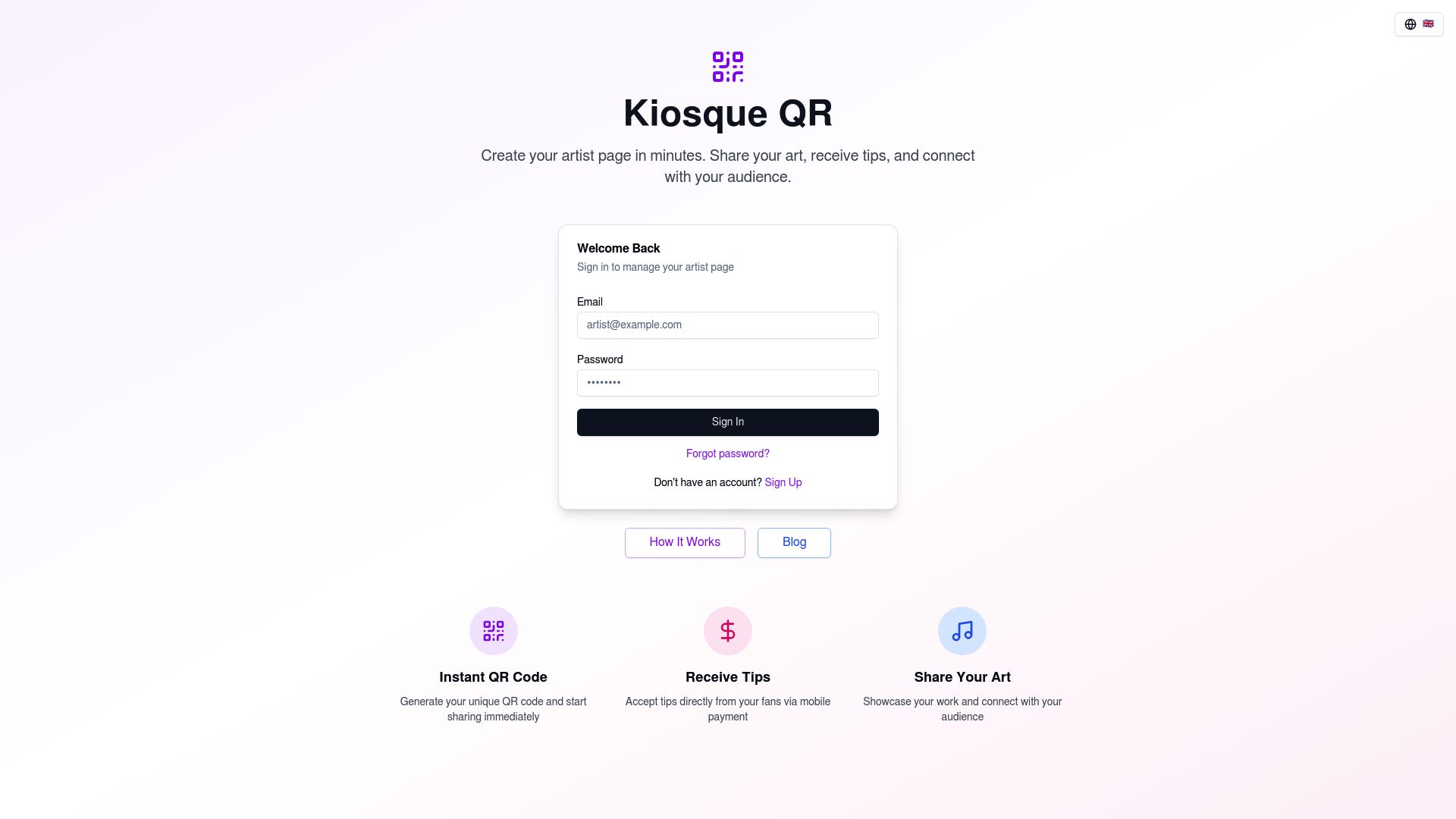
Kiosque QR generates a unique QR code just for you.
When fans scan it, it takes them right to your profile where they can find your payment links (PayPal, etc.).
..to tip you instantly. And does Kiosque QR take a commission on my tips?
Nope. Kiosque QR doesn't take a commission on your tips.
The money goes straight to you through your payment provider (like PayPal), and you're only subject to their standard processing fees.