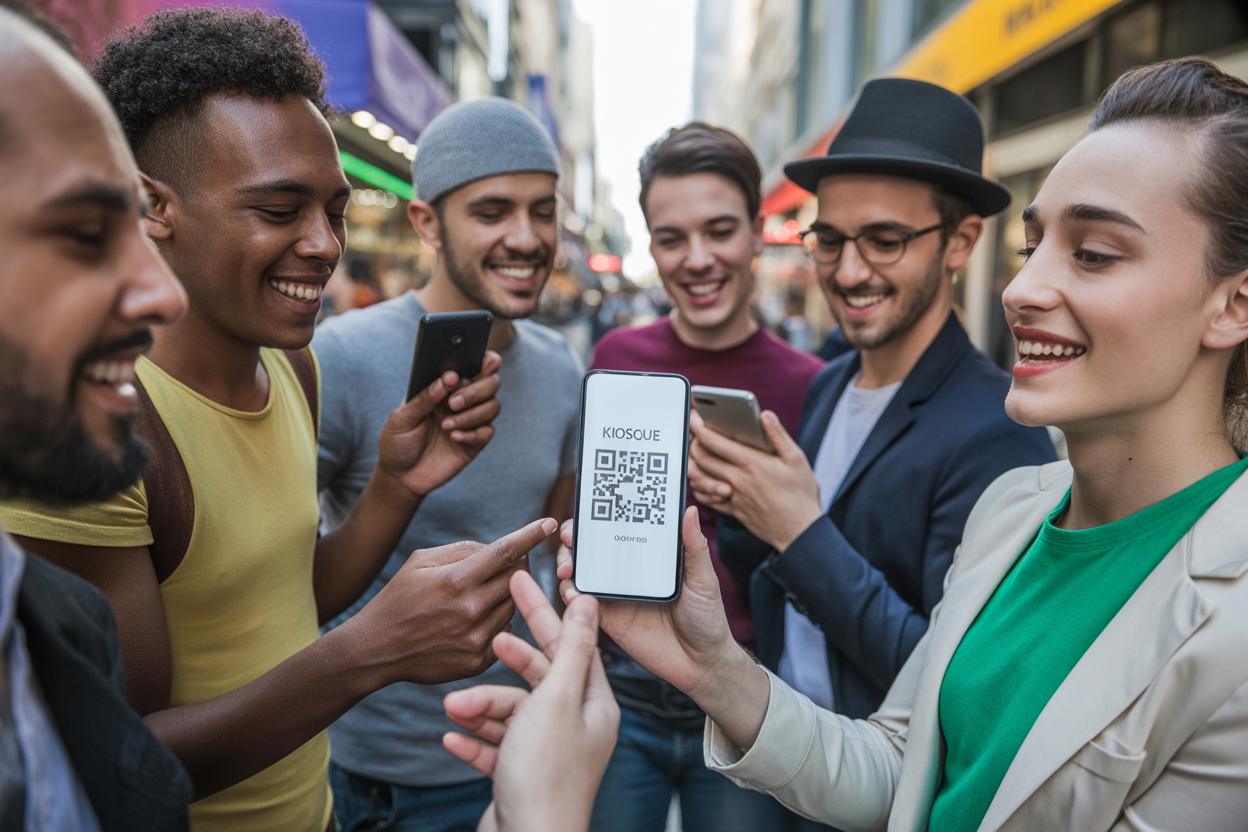
Kiosque QR Pricing Guide for Performers
You finish your set.
The applause is loud. The energy in the room is electric.
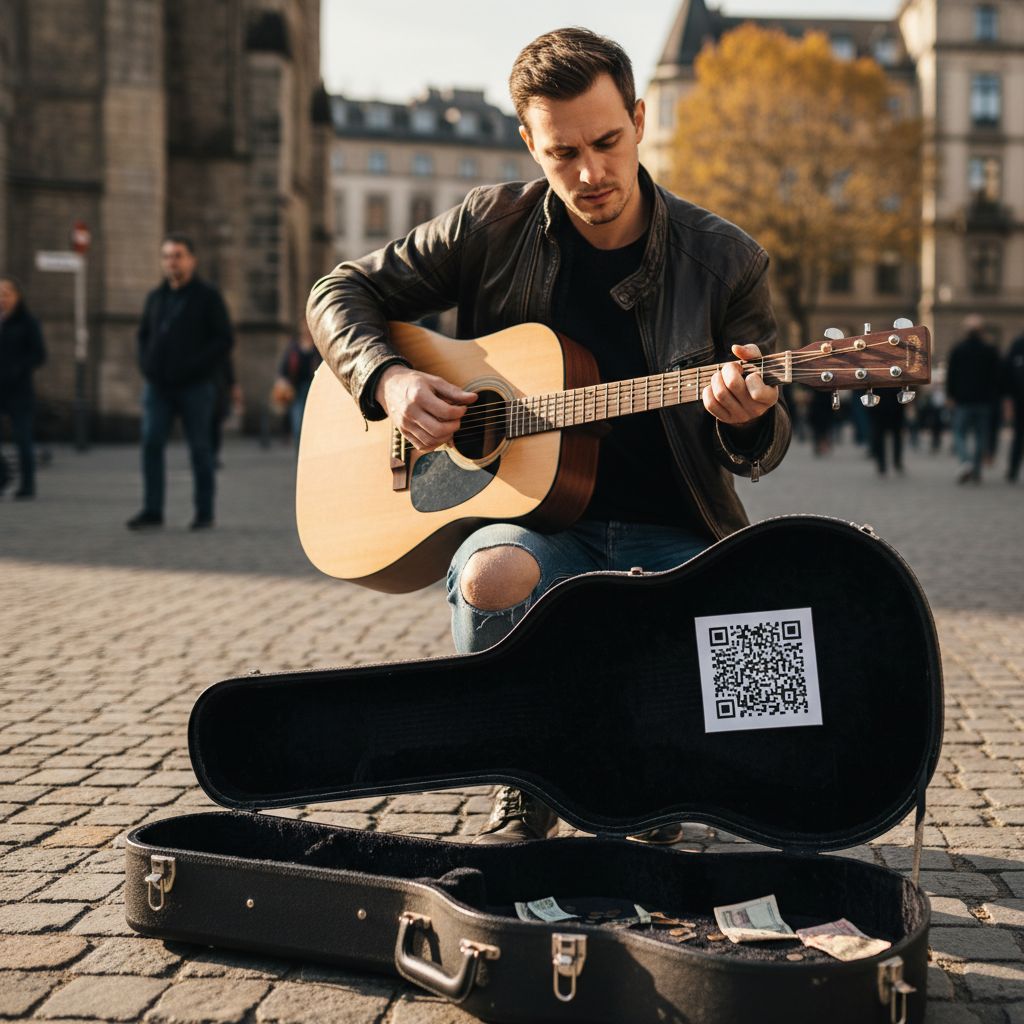
Then comes the moment of truth where you pass the hat or point to your merch table. A few years ago, that hat would be full of bills. Today?
It often comes back lighter than you hoped.
Not because people didn't love your performance, but because they simply don't carry cash anymore.
This is the reality for street performers, musicians, and artists in the modern era. We are moving toward a cashless society.
That shift creates a massive problem for creators who rely on tips and spontaneous support. This is exactly where Kiosque QR steps in. But you are probably wondering about the cost.
Is it worth it?
Does it require a massive budget?
In this guide, we are going to break down the kiosque qr pricing structure to show you exactly what you get.
We will look at why this tool is different from generic QR code generators and how it functions as an investment in your artistic career rather than just another expense.
Understanding the Value Behind Kiosque QR Pricing
When we talk about kiosque qr pricing, straightforward numbers are only half the story.
The real conversation is about value. Most artists wrestle with a difficult choice.
You can build a full website, which requires hosting fees, domain costs, and hours of coding. Or you can rely on social media algorithms that might hide your posts from your own followers.
Kiosque QR offers a middle ground. It is a streamlined, artist-first platform. It combines the best parts of a website with the instant accessibility of a QR code.
When you look at the pricing model, you have to view it through the lens of return on investment. If the platform helps you secure just one or two extra tips per performance that you would have otherwise missed, the system pays for itself almost immediately.
The Two Main Pillars: Free vs Premium
The platform operates on a "Freemium" model. This is great news for artists just starting out. You do not have to commit to a monthly subscription immediately to test the waters.
You can start, see how it feels, and upgrade when you are ready to turn your audience into a paying community.
The kiosque qr free trial or free tier acts as your entry point. It essentially gives you a digital business card.
You can centralize your presence. Instead of listing five different handles for Instagram, TikTok, YouTube, and Soundcloud, you give your audience one scannable point of entry.
However, the real power unlocks when you look at the premium features for artist tipping app capabilities. The Premium version is designed not just for visibility, but for revenue generation. It transforms a passive "follow me" link into an active "support me" channel.
The Free Tier: Your Digital Business Card
Let's look at what you get without spending a dime. For many emerging artists, exposure is the currency. You need followers before you can ask for funds.
The free version of Kiosque QR addresses this specifically. You can set up an account in seconds and generate a unique QR code.
Consider the chaos of a live performance.
You have maybe ten seconds to tell people where to find you before they walk away. Shouting "Follow me on Instagram, I am User underscore 123" rarely works.
People forget. They make typos.
They get distracted.
With the free tier, you print your code.
A fan scans it. They land on a polished, customized page.
This page houses your bio, your photo, and links to all your content. It functions like a "Link in Bio" tool but optimized specifically for the physical world.
It bridges the gap between the street corner and the smartphone screen.
Features Included in the Basic Versin
- Instant Page Creation: You don't need to be a tech wizard because the interface is incredibly simple to use.
- The whole point is to bring everything together: link your Spotify, YouTube, Instagram, and TikTok all in one spot.
- Make it yours: add your artist name and a main photo so the page really feels like *you*.
- Your QR code is made for you instantly. Honestly, if your main goal right now is just getting more followers and making sure people remember you, the free tier is a really solid choice.
If your primary goal right now is simply growing your follower count and ensuring people know who you are, the free tier is a robust solution. It removes the friction between you and a potential new fan.
Deep Dive into Premium Kiosque QR Pricing
Now, we tackle the core question regarding kiosque qr pricing.
Why should you pay?
The answer usually comes down to one feature: The "Tips" button. In the Premium version, Kiosque QR allows you to integrate payment gateways directly into your page.
The specific feature here is the integrated PayPal.me link. This is a game-changer for buskers, stand-up comedians, and circus performers.
When you activate Premium, you are no longer just sharing art. You are opening a digital register.
Think about the psychology of a spectator. They enjoy your show. They check their pockets.
No cash. They feel guilty. They walk away.
You lose money. With the Premium setup, that same spectator scans your code.
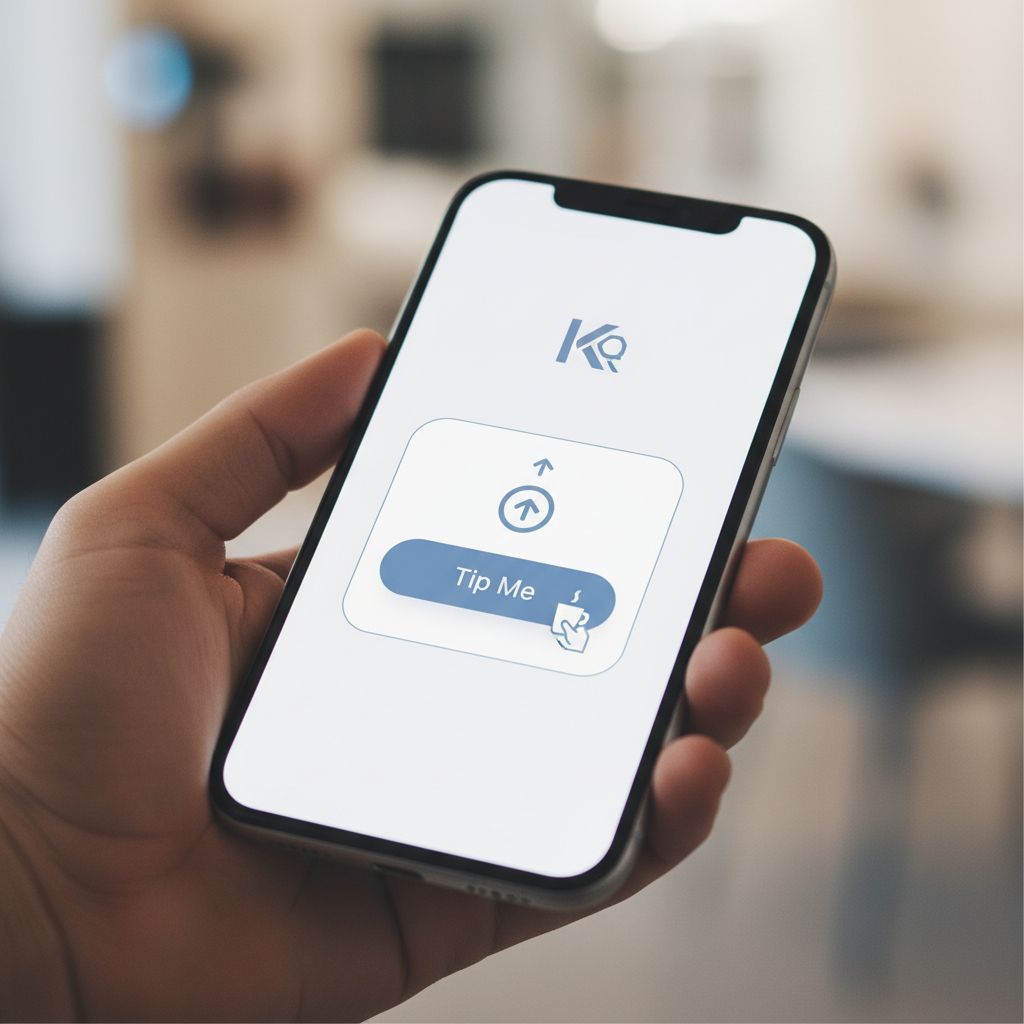
They see a big, inviting button that says "Support the Artist." They tap it. They send $5 via PayPal using Apple Pay, Google Pay, or their balance. It takes ten seconds.
Calculating the ROI
Let's do some quick math. If the kiosque qr pricing for premium is a small monthly fee, think about how many "lost tips" it takes to cover that. Usually, it is one or two.
Everything after that is pure profit. The return on investment here is incredibly high compared to other marketing tools.
Plus, going premium gets rid of certain limits. It just sends a clear signal to your audience that you’re serious about your craft.
When people see a smooth, easy way to pay, they trust it more. And when they trust it, they're usually more generous with tips.
Comparing Kiosque QR to Generic Competitors
Okay, so you're probably thinking, "Can't I just use a free QR code generator from Google?" Sure, you can, but that path is loaded with risks and hidden costs a lot of people don't see coming.
To really get why Kiosque QR's pricing is different, you've got to look at what else is out there.
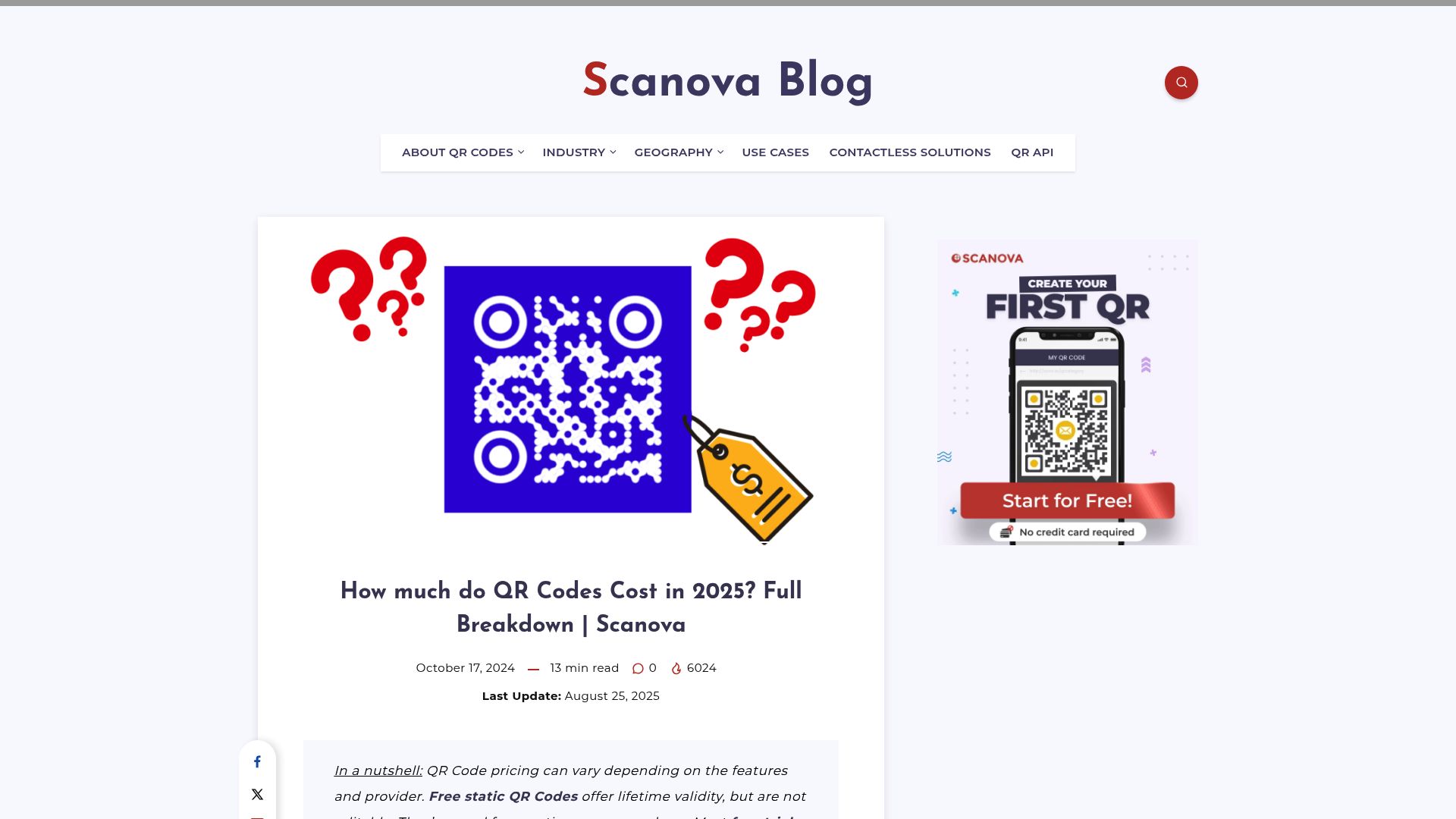
A quick look around shows that most premium QR platforms will run you anywhere from $50 to $100 a month for their advanced features.
You can see for yourself what the market looks like here: scanova.io. The thing is, those platforms are loaded with complex tools for big corporations, not for a musician trying to get tips.
The Problem with "Free" Generators
- Expiring Codes: Many free generators create "dynamic" codes that expire after a few weeks unless you pay a high fee to unlock them. Imagine printing 500 stickers only to find out the code is dead a month later.
- Ad Injection: Free tools often display spammy ads before showing your link. This looks unprofessional and can scare off your fans.
- Rigid Design: You usually get a black and white square. No customization. No artist branding.
Kiosque QR is positioned differently. The architecture is built for performers. The pricing reflects the reality of an artist's budget.
It is simpler than an enterprise tool but more powerful and reliable than a generic free generator.
Strategic Benefits of the Premium Plan
Beyond the ability to accept payments, upgrading impacts your brand perception. In the music and arts industry, perception is reality.
If your digital presence looks makeshift, people assume your art is a hobby. If your digital presence looks sleek and functional, they treat you like a professional.
Streamlining the Fan Experience
Premium features often include better analytics or flow management. While we focus on legal tipping, the data matters too.
Knowing that 50 people scanned your code at the Friday show versus 200 people at the Saturday show helps you plan your schedule.
This is the kind of insight that turns a gig into a career.
This aligns with the features seen in top-tier QR management platforms. Advanced analytics, showing traffic sources and device types, are standard in paid versions of QR technology. While Kiosque QR simplifies this for artists, the principle remains.
You cannot improve what you do not measure.
How to Maximize Your Kiosque QR Investment
Once you decide that the kiosque qr pricing fits your budget, you need to make it work for you. Paying for the tool is the first step. Using it strategically is the second.
Here is a strategy we see successful artists using.
They do not just hide the code in a corner. They make it part of the show.
If you are a musician, print the code on your kick drum head. If you are a magician, have the code on the back of your playing cards. If you are a street performer, put it on a large A-frame sign next to your performance circle.
You should also verbally call it out. "If you enjoyed the show but don't have cash, you can support me by scanning this code." This verbal cue, combined with the professional technological solution, creates a "permission structure" for the audience.
You are telling them it is okay and easy to tip digitally.

Who Should Stick to Free vs. Who Should Pay?
Let's be practical.
Not every artist needs the premium version on day one. If you are a painter displaying at a gallery where sales are handled by the venue, you might only need the free version to connect people to your Instagram portfolio. The transactional element happens elsewhere.
In this case, the business card function is enough.
However, if you are a busker, a stand-up comic performing at open mics, or a band selling merch, the calculations change. The premium features for artist tipping app functionality becomes essential.
The breakdown is simple.
The "Hobbyist" Profile (Free Plan)
- Performs irregularly.
- Already has a strong income source outside of art.
- Is not selling merchandise or accepting tips directly.
- Priority is social media growth.
The "Professional" Profile (Premium Plan)
- Performs regularly (weekly or monthly).
- Relies on tips or merch sales for income.
- Wants to build a mailing list or community.
- Needs a professional, ad-free presentation.
If you fall into the second category, the monthly cost of Kiosque QR is likely less than the price of guitar strings or a set of paints. It is a negligible operational cost for a potentially significant revenue increase.
The Hidden Cost of Not Having a Solution
We often look at the price tag of a software and ask, "Can I afford this?" We rarely ask, "Can I afford not to have this?" In the context of kiosque qr pricing, this is the most important question.
Every time someone walks away from your show because they did not have cash, you lost money. If that happens three times a night, and you perform twice a week, the losses compound. Over a year, you could be losing thousands of dollars in potential support simply because you did not have a digital gateway.
Comparing this to the functionality of broader market tools, many platforms allow you to create "Conditional Redirects" or edit links dynamically. This allows you to change your "Link in Bio" from a tip jar to a ticket sales page to a new Spotify release without reprinting the sticker (source). This dynamic capability preserves your print investment.
You print the sign once, but you benefit from it forever.
Setup Process: Fast and Painless
One of the best things about Kiosque QR's pricing is that you're also paying for how incredibly easy it is to use. Let's be real, your time is valuable.
You don't want to waste days trying to build a website.
This platform promises you can be set up in about a minute, and that speed is a huge part of what makes it worth it.
The process typically looks like this:
- Create Account: Sign up with your email.
- Build Profile: Upload a photo and write a short bio.
- Add Links: Paste your social URLs and, if you are Premium, your PayPal.me link.
- Download: Get your high-resolution QR code immediately.
There is no coding.
There is no graphic design requirement.
The template is pre-optimized for mobile devices, which is where 100% of your traffic will come from.
Conclusion: Is It Worth The Investment?
So, is it worth the investment?
The world of live performance has changed, both in how it feels and how we get paid. That connection with the audience is still everything, but the way we get paid has gone digital.
Kiosque QR is built to be the bridge between your art and your income.
When you look at the pricing, you'll see it’s set up to actually help artists, not take advantage of them. The free version alone is incredibly useful for just getting your name out there.
The premium tier unlocks the financial potential of your audience, turning passive applause into active support.
If you are serious about your craft and you want to ensure that lack of cash never stops a fan from supporting you, this tool is not just recommended. It is necessary. The cost is minimal, but the opportunity cost of ignoring digital payments is massive.
Ready to modernize your act?
You can start today. Build your page, print your code, and let your audience support you the way they want to.
FAQ
Is there a Kiosque QR free trial?
Absolutely. Kiosque QR has a totally free version that lets you create an artist page, throw in your social links, and get a QR code you can download.
This version is free forever, not just a limited-time trial.
How does the Premium version help me earn money?
The Premium version unlocks the "Tips" feature. This integrates a direct PayPal.me or mobile payment link onto your page, allowing audience members to tip you instantly via their phones.
Can I change my links after I print the QR code?
Yes. The QR code leads to your Kiosque QR profile page.
You can update the links, photos, and bio on that page anytime, and the physical QR code you printed will still work perfectly.
Is Kiosque QR cheaper than building a website?
For the most part, yeah.
Think about it: building a website means paying for a domain name ($10-20/year), hosting ($10-50/month), and maybe even a developer. Kiosque QR gives you that simple, all-in-one page an artist really needs, but without all the headaches and high costs.