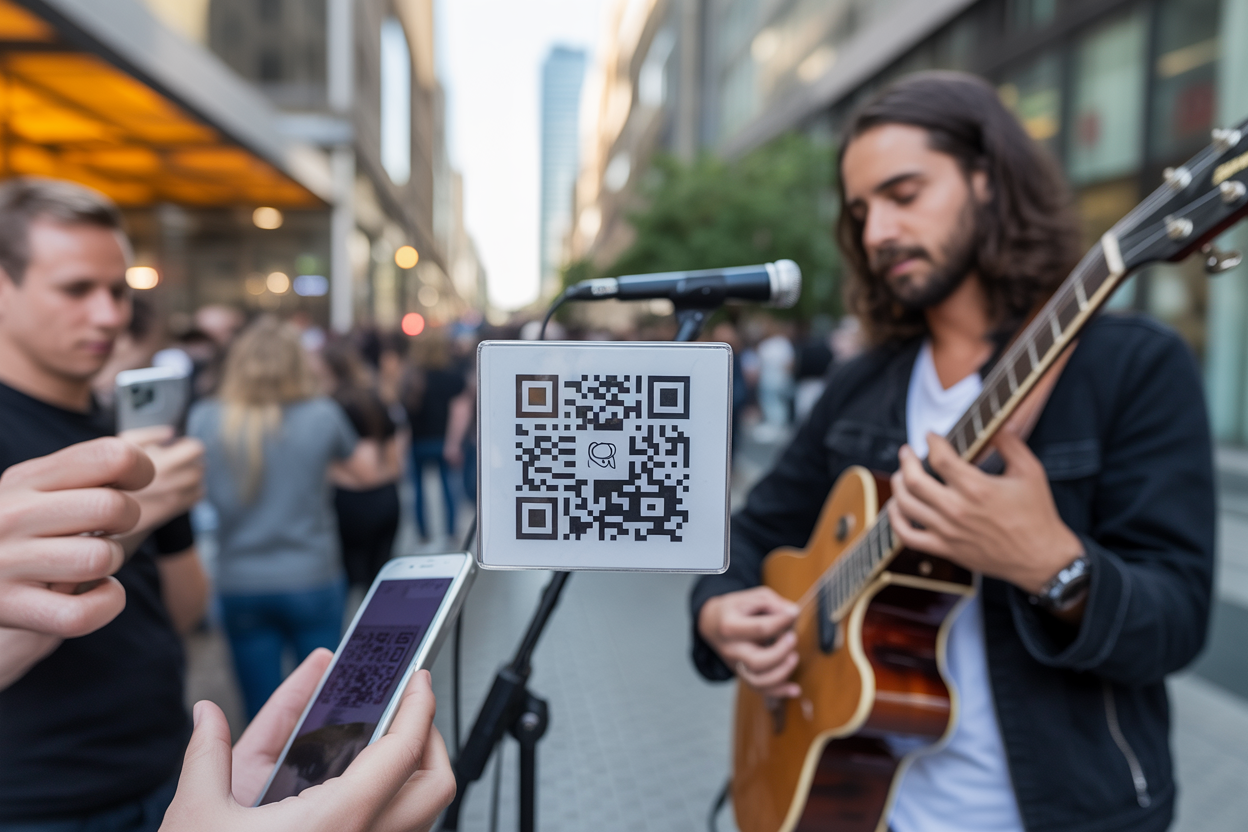
How to Use QR Codes for Music Artists in 3 Steps
Knowing how to use QR code for music artists isn't some niche trick anymore—it's a basic part of any modern performer's gear. Think about it: you’ve just poured your heart out on stage, the applause is dying down, and the crowd starts to head out.
A few people might have cash for the tip jar, but let's be real, most don't.
So how do you hold onto that amazing energy and turn it into real support or a new die-hard fan?
For anyone performing live—whether you're busking on a corner or playing a gig—bridging the gap between your real-life performance and your online world is a huge hurdle.
In a world where nobody seems to carry cash, just putting out a tip jar means you're definitely leaving money and missed connections behind. That's where a simple, scannable square can completely change the game for you and your audience. We're going to break down how you can use QR codes to not just make more money, but to actually build a real community around your music.
Here’s the thing: it all comes down to making an instant connection. Someone might absolutely love your set but completely forget your name before they even get home.
Or maybe they want to drop a tip but, surprise, they've got no cash. A QR code takes care of both of those problems in a heartbeat. This tech is the perfect bridge between your live performance and your online presence, connecting the dots for your fans.
And it’s not just about tips. It’s about making it dead simple for someone to follow you on Spotify, sign up for your emails, or check out your next tour date—all with a quick phone scan. We'll go through the key steps, pulling in some solid advice from music and tech insiders to make sure you get it right.
We’ll cover picking the perfect link for your code, making it look like *you*, and putting it where people will actually scan it.
Step 1 Choose Your Link Destination
The first step in mastering how to use QR code for music artists is deciding where you want to send people.
A QR code is just a doorway; what's on the other side is what matters to your fans and, ultimately, to you. Think about your main goal for each performance.
Do you need to make some immediate cash?
Grow your online following?
Or maybe you want to sell some merch?
Whatever your main goal is, that's where the link should go. And, as sites like QR Codes Unlimited point out, making sure that link looks good on a phone is an absolute must.
Seriously, if a fan scans your code and gets hit with a clunky desktop site on their phone, you've already lost them.
That moment is gone.
You’ve got a ton of choices for where to send people, and honestly, the best link might be different for every gig. If you're looking for direct financial support, sending them to a digital tip jar like PayPal.me, Venmo, or Cash App is the simplest way to go—it's a massive reason why use qr code for artist tips has taken off.
But if you're playing the long game and want to grow your audience, you could send them straight to your Spotify or Apple Music, your newest YouTube video, or even a sign-up page for your email list. I've seen some artists get really creative with this, something the DC Report also mentioned.
They're linking to things like exclusive behind-the-scenes clips, polls on what cover to play next, or even a quick 'thank you' video for people who tip. What's important is offering something that feels valuable and builds on that connection you just made with your audience, right then and there.
Step 2 Create and Customize Your QR Code
Okay, once you know where you're sending people, it's time to actually make the QR code. You could just use any old generator, but this is a golden opportunity to show off your personal style.
Sure, a boring black-and-white QR code gets the job done, but it’s totally forgettable and easy to ignore. You should think of your QR code like a digital business card—it needs to look and feel like it came from you. In fact, platforms like Scanova point out that adding your logo, colors, or even a custom shape can get you up to 200% more scans.
It’s a small detail that doesn't just catch the eye—it shows your audience you’re serious and builds a bit of trust.
When you're picking a tool, you’ll see everything from basic generators like Scanova and me-qr to options that do a lot more.
And honestly, that’s where a platform built just for performers, like Kiosque QR, really makes a difference. Instead of you having to mess with a separate QR generator and a page builder, we put it all together to make your life easier. You build your artist page with your links, bio, and photos, and our app instantly creates a unique QR code that sends fans right there.
Simple. It's all connected, so your fans land on a great-looking page that works perfectly on their phone and has everything in one place—from your Instagram to your tip link.
A critical choice you'll make is between a static and a dynamic QR code. A static code has the link locked in forever—if you want to change where it goes, you have to make and print a brand-new code. But a dynamic QR code is way more flexible.
It points to a special short link that you can change anytime, which means you can update your destination without ever having to reprint a single thing.
Trust me, for any performer who's actively playing shows, that kind of flexibility is a total game-changer.
You could have your code link to a tip jar during your set, then change it to promote ticket sales for your next show afterward, all using the same printed code on your posters and merch.
Step 3 Strategic Placement and Interaction
Creating a beautiful, branded QR code is only half the battle. Its placement and the context you provide are what drive people to actually pull out their phones and scan it.
Your code has to be easy to see and scan, and you need to tell people exactly what to do.
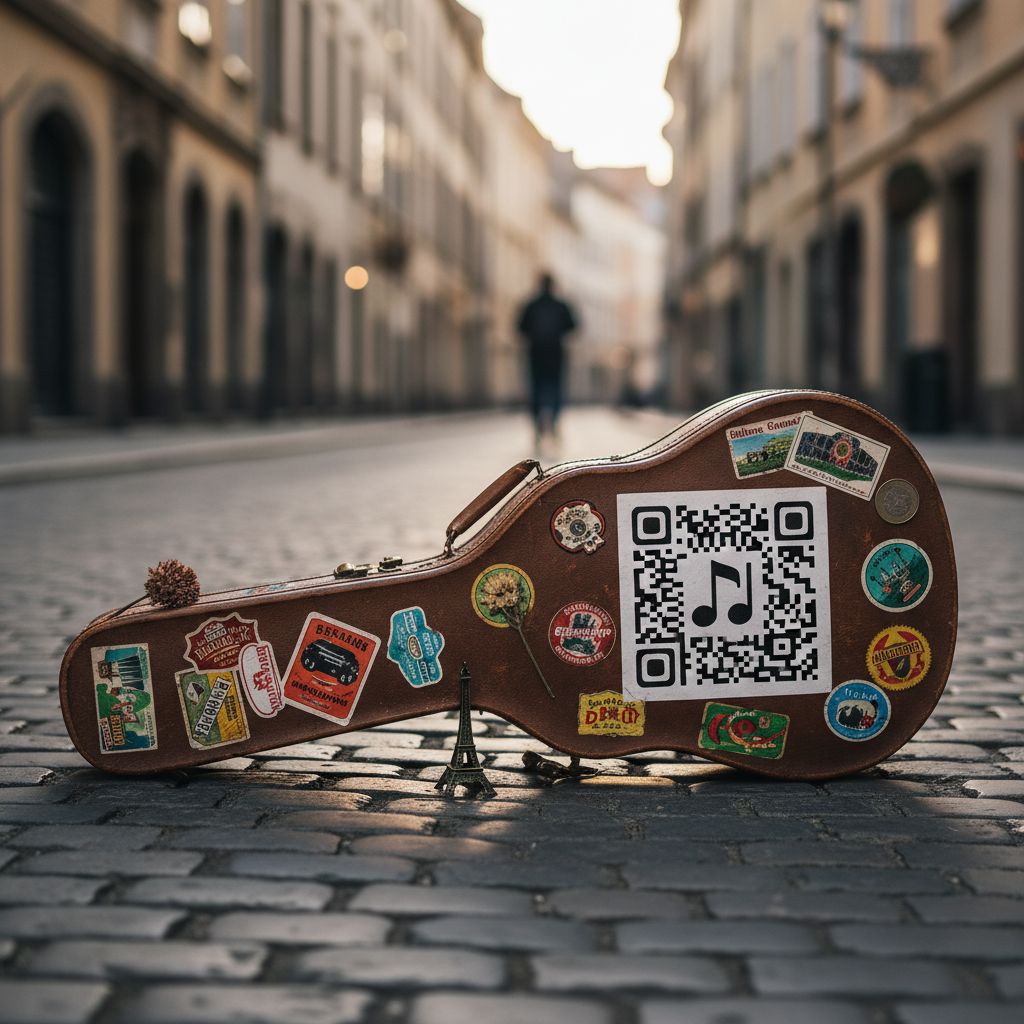
Just sticking a QR code on your guitar case with zero explanation isn't going to get you very far.
You have to tell your audience what they're scanning for! A simple sign that says "Scan to Tip," "Follow me on Spotify," or "Get an exclusive track!" makes a world of difference.
It's a basic rule of marketing that works for everyone, from a busker in the London Underground to a massive brand.
Think about all the places your audience might see you. During a live set, you could put it on posters, flyers, or even get it projected on a big screen behind you.
The folks at music marketing platform Bandzoogle have great advice on this: putting QR codes on merch like t-shirts or CD cases can create a connection that lasts way after the gig ends. Little table tents at the merch stand or a small, solid sign on your stage or keyboard also work incredibly well. For artists seeking the best QR code for musicians in London or any bustling city, visibility and durability are key.
Your sign should be large enough to be scanned from a few feet away and sturdy enough to withstand the elements of an outdoor performance.
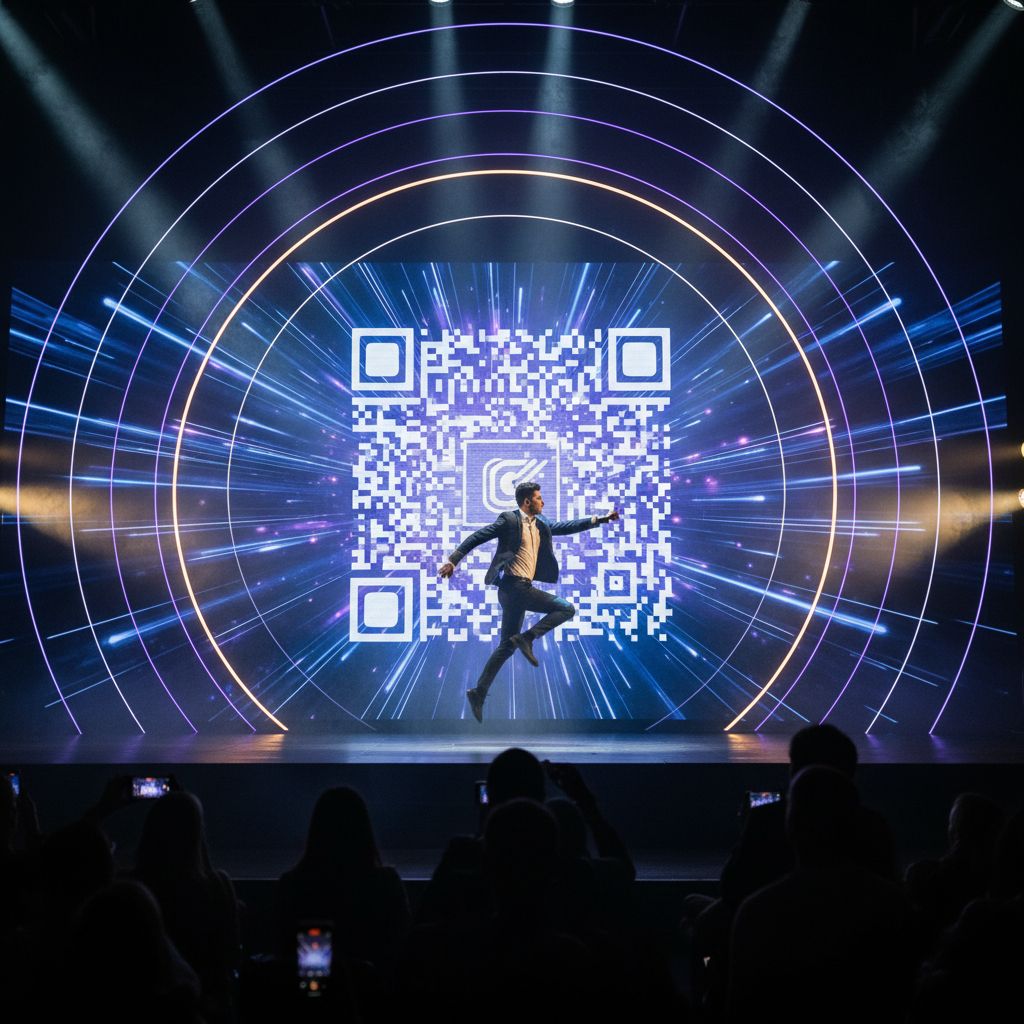
But don't just stop at simple links! You can use QR codes to pull your audience into the show and make your set unforgettable. What if you let the audience scan a code to vote for the next song you play?
Or to join a live poll right there on their phones?
Getting your audience involved like that doesn't just make them pay more attention—it gives you great feedback.
Plus, you can actually use the data you get from all those scans. Most serious QR code tools, including platforms like Kiosque QR, give you analytics so you can see how many people are scanning your code, where they are, and when they're doing it.
That information is gold. By keeping an eye on your scans, which is a key part of tracking any digital product analytics, you'll figure out which signs work best and what your audience really wants, helping you make smarter moves next time.
Why This Matters The Big Picture for Artists
Look, using QR codes isn't just some clever tech trick.
It’s a huge shift in how you can build a real, lasting career as an artist. It's all about finally taking control of your relationship with your fans. For too long, performers have been at the mercy of algorithms and platform gatekeepers.
A QR code creates a direct line of communication, turning a passive listener into an active supporter and community member. This direct bridge between your physical art and your digital world empowers you to build a resilient, independent career on your own terms. It’s a tool for driving streams, selling merchandise, and, most importantly, fostering a community that is directly invested in your success.
This is how you start building something that lasts. Every email you get for your newsletter, every new Spotify follower, every person in your fan club—those are real connections that help you grow.
And they’re worth so much more than a quick 'like' on social media. When you use QR codes to guide your live audience to these places, you're building the support system you'll need for your next album, tour, or project. It’s an idea you’ll see on tons of business and creative blogs: building that direct connection with your audience is absolutely essential if you want to make it in the long run.
It opens up new ways for you to earn money, moving beyond just tips and gig fees to things like merch, digital sales, and even fan subscriptions.
At the end of the day, all this information gives you power.
You can literally see which songs get you the most tips or follows. You can try out different signs to see what works.
This is the kind of stuff that used to only be available to big record labels and marketing firms. But now, any artist with a smartphone can get it.
Using data to guide your decisions is a smart move that people talk about in all sorts of fields, as you can see in different informational articles. It helps you make better choices about your career, your marketing, and your music, making sure every gig is another step toward building something that can last.
Your Next Step to Connecting with Fans
So, we've walked through the three main steps: pick your link, design your code, and put it where people will see it. The real magic of how to use QR code for music artists is how simple they are, and how they can turn a quick round of applause into a real, lasting connection with a fan. It's all about meeting your audience right where they are—on their phones—and making it ridiculously easy for them to support you however they want.
This doesn’t have to replace your tip jar; think of it as a powerful, modern tool you can add right next to it. It's about making sure that any fan who wants to connect with you or give you a tip can actually do it before they walk away.
That trip from playing on a street corner to building a career you can live on?
It's made up of thousands of these little connections. Each scan is a potential new fan, a future ticket sale, a new listener for your next single.
By embracing this technology, you are not just adapting to a cashless world; you are taking a proactive step to future-proof your artistic career. You are building an ecosystem around your music that you own and control.
The tools are here, and they are more accessible than ever. The only thing left is to put them into action and start building those bridges between your art and the world.
Are you ready to stop leaving fans and funds behind?
The most effective way to implement this strategy is with a tool built for artists from the ground up.
Kiosque QR provides you with a stunning, customizable artist page and a unique QR code all in one place.
No technical skills are needed.
You perform, they scan, you connect, and you earn. It’s time to transform your audience into an engaged community.
Why not create your free artist page in under one minute and see how it feels after your very next performance.
Frequently Asked Questions
Is it free to create a QR code for my music?
Yep, tons of sites let you make a basic static QR code for free. But if you want cool features like being able to change the link later (that's a dynamic code) and have a landing page already built for artists, a service like Kiosque QR has a great free option that covers all that, plus premium extras like adding a direct PayPal tip button.
What is the difference between a static and a dynamic QR code?
A static QR code's link is baked in forever—if you want to change it, you have to print a whole new code. A dynamic one, on the other hand, points to a flexible link you can change whenever you want without ever reprinting the code. It's perfect for performers who are always on the move or running different promotions.
How do I get more people to scan my QR code?
To increase scans, make your QR code highly visible, brand it with your colors or logo, and most importantly, add a clear and compelling call-to-action. Tell your audience exactly what to do ("Scan To Tip!") and what benefit they will receive ("Scan For Exclusive Music!"). Combining a great incentive with strategic placement is the key to high engagement.
```