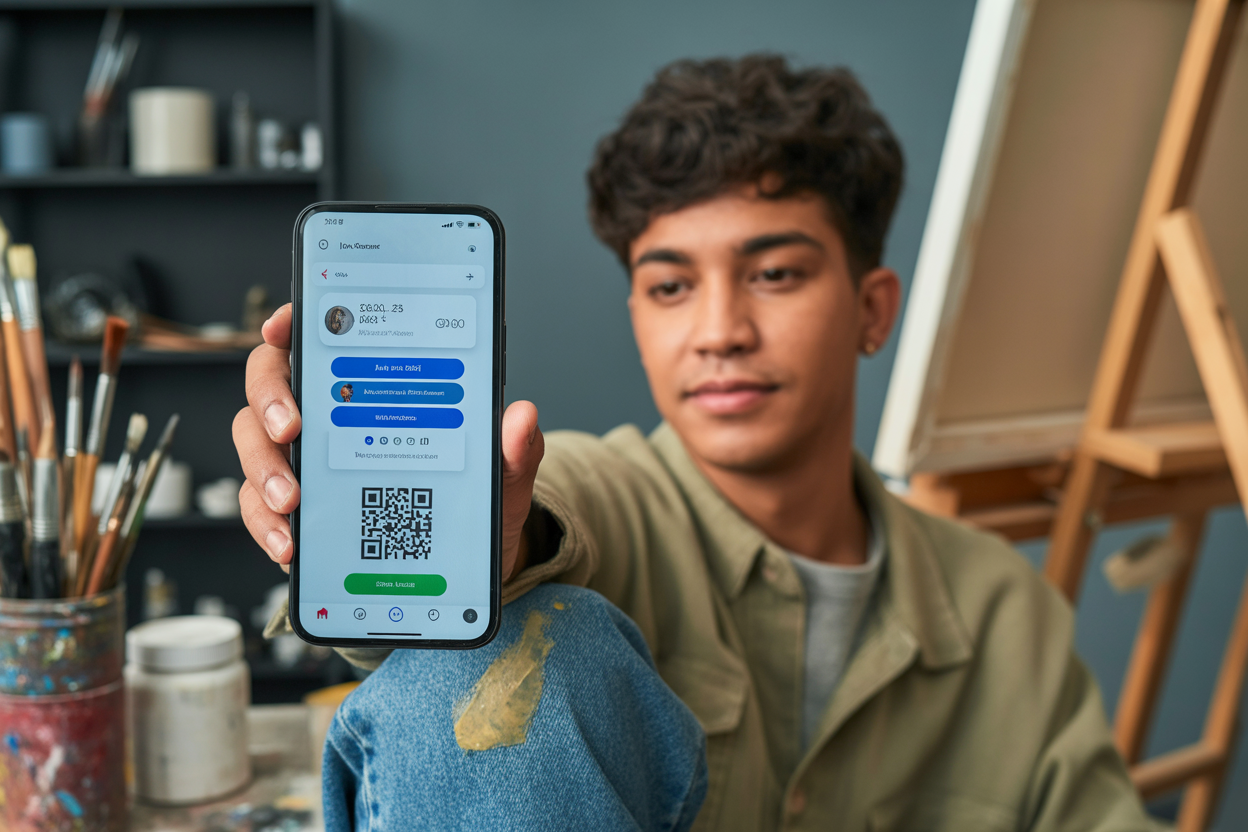
How to Create a Digital Business Card for Artists Fast
As an artist, musician, or performer, you know that making a real connection is everything. You pour your soul into your work, but what happens after the show ends and the lights come up? How do you keep that spark alive?
For a long time, the only answer was a paper business card—that sad little rectangle that usually ends up lost, crumpled, or forgotten in a junk drawer. Let's be honest, it's an outdated tool for a job that's always changing.
Your art isn't stuck in one place, so why should your introduction be?
This is why figuring out how to create a digital business card for artists isn't just a fun new thing to do; it's a critical next step for your career. It’s your shot to give people more than just a name and number—you can give them a living, breathing portfolio that shows them who you really are.
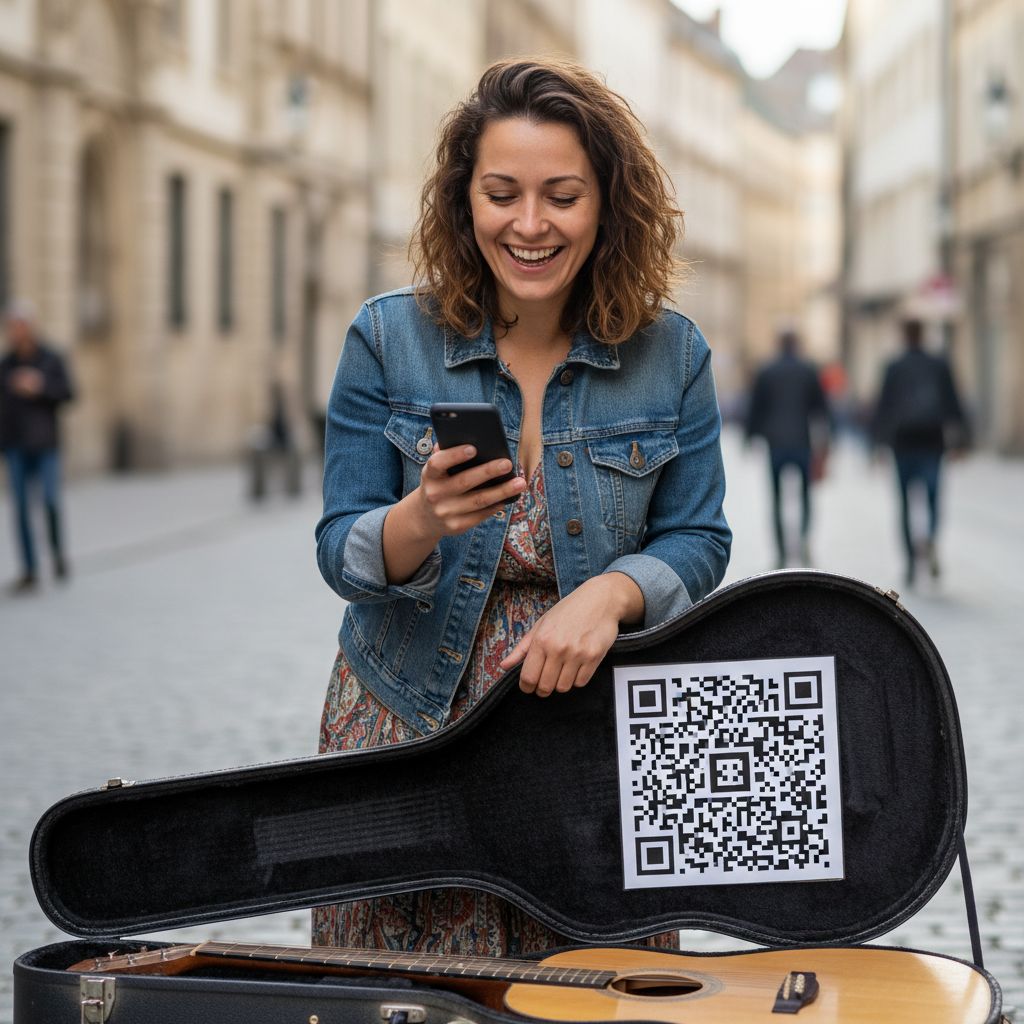
Imagine a street musician finishing a powerful set. A spectator is moved but has no cash for the tip jar and fumbles for a pen to write down their social media handle shouted from the sidewalk.
The moment is lost. Now, picture this instead: the musician points to a simple QR code.
The spectator scans it with their phone and instantly lands on a beautiful page with the artist's photo, links to their Spotify and Instagram, a video of their best performance, and even a button to leave a tip digitally. That's the kind of power we're talking about. This goes way beyond networking; it's about crafting an experience and knocking down every single barrier between your audience and your art.
This guide is going to walk you through exactly how to create a digital business card for artists so you can turn those fleeting moments of connection into real support and a loyal following.
Why a Digital Card is a Game Changer for Creatives
Seriously, the life of an artist is anything but predictable.
One month you might be all-in on a gallery show, and the next you’re hustling to promote a new single or a string of stage dates. Old-school paper cards just can't keep up. Honestly, reprinting them for every new project costs a fortune and is a huge waste.
A digital business card solves all that. As noted by experts on creative networking tools, digital cards can be updated in seconds, giving you the complete flexibility to tailor your presentation for any situation.
You can create different versions of your card for different audiences without spending a dime.
The real magic, however, lies in the multimedia capabilities. A paper card can only say so much.
A digital card can show everything. For musicians, performers, and visual artists, this is a total game-changer. Imagine embedding a video of a killer live performance, a trailer for your new short film, or a gallery of your latest work right on your card.
Suddenly, your contact info becomes an interactive portfolio. Instead of just telling a venue manager you're a great performer, you can let them see it for themselves with one tap.
It's all about letting your work speak for itself so your first impression is not just good, but totally unforgettable.
How to Create a Digital Business Card for Artists The Easy Way
Thinking you need to be a tech wizard or have tons of free time to build a digital presence?
Not anymore. There are now platforms out there made just for performers and artists, letting you build a killer-looking page in minutes.
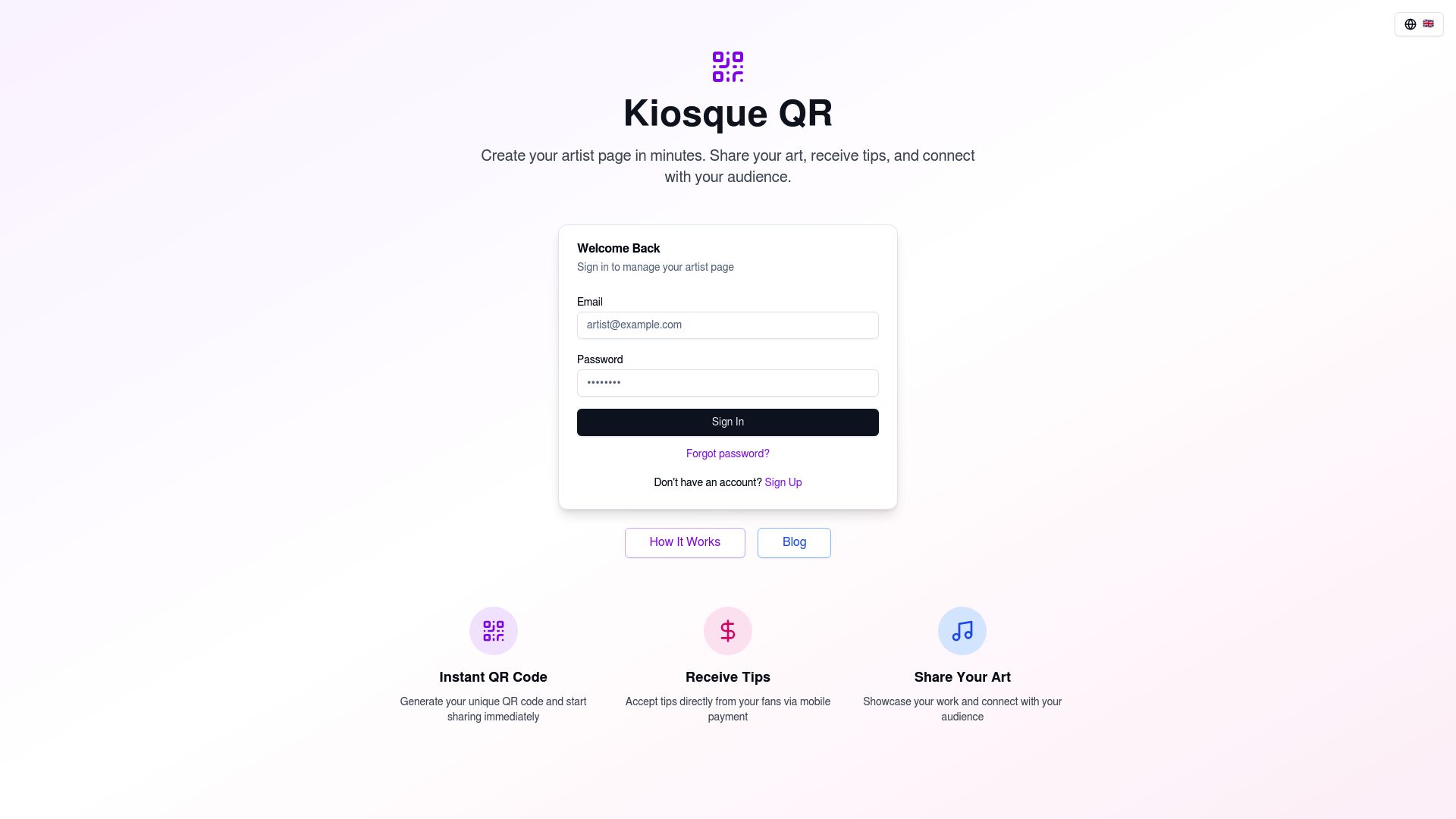
If you want an experience built by artists, for artists, we honestly think Kiosque QR is the best place to start. It was built from the ground up with a creator's needs in mind—keeping things simple while focusing on connecting with your audience and, yes, getting paid.
Here’s how ridiculously simple it is with a tool like Kiosque QR:
- Create Your Account in a Flash
Seriously, this first part is the fastest. You just sign up with a few clicks, and you're instantly in your own personal space. With a platform like ours, you can even juggle multiple artist pages under one account—perfect if you're in different bands or explore different kinds of art.
- Set Up Your Artist Page
This is where the magic happens and your digital business card truly comes to life. You’ll get to add your artist name, a great photo, a quick bio that shares your story, and, of course, all your important links. Think of it like your personal command center.
Link your Instagram, TikTok, YouTube, Spotify, and personal website—everything in one clean, easy-to-find spot. It really becomes your one-stop-shop for who you are online.
- Share with a Unique QR Code
Once your page looks good, the platform instantly creates a unique QR code just for you. This is your key to connecting with your audience. You can download and print this code to display on your merch table, your instrument case, or even project it behind you during a performance.
When someone scans it, they are instantly taken to your page where they can follow you and, with the premium feature, leave a tip directly via your PayPal.me link. It’s a seamless flow: you perform, they scan, you connect and earn.
Other Platforms to Build Your Artist Brand Without a Website
While a tool like Kiosque QR is streamlined for artists and even has built-in tipping, it’s good to know what else is out there to help you build your digital brand. Each one does something a little different, so the right choice really boils down to what you need.
Sometimes all you need is a free artist social media linking platform, but other times you might be craving more control over the design.
For artists who are all about design and want total control over the look and feel of their card, Canva is a fantastic choice.
It’s basically a graphic design playground, loaded with thousands of templates, including layouts for business cards. Its drag-and-drop editor lets you add your own logos, fonts, and brand colors to cook up something that’s 100% you. Canva even has a built-in QR code generator, which makes it a really flexible tool for anyone with a creative streak.
Then you've got your more general digital business card services like Wave Connect or Popl. These platforms are made for pretty much any professional in any industry and give you a solid set of tools for making and sharing digital cards. They offer simple templates and make it easy to plug in your contact info, social links, and other details.
And while they're great for general networking, they aren't really built for the unique performance or payment needs of artists—that's where a more specialized tool really shines.
Best Practices for an Artist Digital Card That Gets Noticed
Just creating your digital card is the first step. To really make it count, you've got to use it strategically.
Think of it as a part of your artistic brand—it should be just as dynamic and captivating as your work. One of the biggest advantages of a digital format is the ability to keep it current.
As networking experts highlight, you can update your information instantly. Did you just upload a new performance reel or get featured in an online gallery?
Add the new link to your page in seconds. This ensures anyone who has your card always has access to your latest and greatest work.
You should also maximize its visual impact. Your digital card is a visual medium, so use high-quality images and videos. Your headshot should be professional, and any embedded media should showcase you at your best.
For musicians and performers, this means including a well-produced video of a live song or a powerful monologue. For visual artists, it means a crisp, high-resolution gallery of your work.
The goal is to stop people in their tracks and make them want to see more of what you do.
Finally, promote your card everywhere. Don't be shy about sharing it.
Add the link or QR code to your email signature, your social media bios, and your website. The more places it exists, the easier it is for people to find you, follow you, and share your work with their own networks. This approach turns every digital share or follow into a real networking opportunity, helping you build a much stronger and more loyal community around your art.
Your digital card keeps working for you long after that first handshake.
Your Art Deserves a Modern Stage
In a world that moves this fast, sticking to old-school methods means you risk getting lost in the noise. Your talent is huge, but the tools you use to share it matter just as much. Learning how to create a digital business card for artists isn't a 'nice-to-have' anymore; it's a must-have for building a real, sustainable career as a creative.
It frees you from the limits of paper and opens up a world where your introduction can be as electric as your art. Now you can finally give people a full picture of your talent—from your social media buzz to your performance clips and latest projects—all waiting for them with a single scan.
That whole journey from having a passive audience to building an engaged community?
It all starts with one simple, powerful connection. When you give people a direct, frictionless way to follow and support you, you're literally taking control of your own success.
It's a few minutes of your time that can open doors to new fans, collaborators, and gigs you might have otherwise missed.
It’s time to stop watching potential connections walk away.
Ready to build your digital stage?
With Kiosque QR, you can create your personal artist page in minutes, complete with all your links, a unique QR code, and a way for your fans to tip you for your work.
Stop handing out paper and start building your legacy. Create your free artist page today and transform how you connect with the world.
Frequently Asked Questions
- Is it free to create a digital business card for artists?
Yep, a lot of platforms have free versions. Kiosque QR, for instance, lets you create a free artist page with your bio, photo, and social links. And you can usually add premium features, like a "Tips" button, for a small upgrade fee.
- How is a digital card different from an artist website?
A digital business card is basically made for quick, on-the-spot sharing and acts as a central hub for all your links. It's way simpler and faster to set up than a whole website, and it's built to look great on phones. You could think of it as your digital handshake, where a website is more like your full-length life story.
- What essential information should I include on my artist digital card?
You should definitely have a great photo, your artist name, a short bio, links to your most active social media (like Instagram or TikTok), and of course, a link to your portfolio or where people can listen to or see your work (like Spotify or YouTube).
- Can I get tips from my digital business card?
Totally. Platforms like Kiosque QR were literally designed for this.
You can plug your PayPal.me link right onto your page, making it super easy for your audience to show some love and support you, even if they're not carrying cash.