
Artist Portfolio Website Builder Free No Coding 5 Easy Ways
You have spent years perfecting your craft. Whether you are a painter, a street performer, a musician, or a magician, your art deserves to be seen by the world. But here is the harsh reality that stops many creatives in their tracks.
The technical barrier.
For a long time, getting your work online meant hiring expensive developers or spending late nights crying over broken HTML code.
That era is over.
Today, finding an artist portfolio website builder free no coding required is not just possible. It is actually the standard way smart artists are launching their careers.
You need a digital space that works as hard as you do. When a potential client or a fan asks where they can see your work, you cannot just shrug. You need a link.
You need a sleek, professional presence that screams credibility. The best part is that you do not need to know a single line of code to make this happen.
We are going to look at the top tools available right now. These platforms allow you to focus on your creativity while they handle the technical heavy lifting. From drag-and-drop interfaces to AI-powered layout generation, the internet has become incredibly friendly to artists.
But before we dive into the massive website builders that take hours to configure, we should look at the most efficient, artist-centric solution that connects the physical world to the digital one instantly. This is about working smarter, not harder.

The Instant Solution for Performers: Kiosque QR
Sometimes you do not need a sprawling website with ten different pages. Sometimes, you just need a powerful digital business card that converts curiosity into income immediately.
This is where Kiosque QR changes the game for street artists, musicians, and performers.
While looking for an artist portfolio website builder free no coding, you often run into complex tools.
Kiosque QR strips away the complexity.
It is an app designed specifically for artists who are on the move.
You can create your artist profile page free in literally one minute.
Here is why it works differently. Instead of just sitting on the internet waiting for clicks, Kiosque QR gives you a tool to use during your performance. You generate a unique QR code.
You display this during your show. Your audience scans it instantly.
Once they scan, they land on your personalized page.
This page houses your bio, your best images, your social links, and crucially, a way to support you. With the premium version, you can no code website for artists to receive tips via PayPal straight from that page.
It turns a passive observer into an active supporter in seconds.
It is the bridge between your physical art and your digital income.
For those who want a more traditional, multi-page website alongside their Kiosque page, here are the heavy hitters in the industry that require zero coding skills.
1. Wix Portfolio Builder
When discussing the artist portfolio website builder free no coding landscape, it is impossible to ignore Wix.
They have dominated the market for years because they essentially invented the modern drag-and-drop experience.
Wix offers a comprehensive free portfolio solution with professional-grade features according to their official page Wix Portfolio. The platform uses a drag-and-drop editor that requires no coding knowledge whatsoever. This creates a playground for your visual ideas.
You can literally nudge things around pixel by pixel until they look *just right*.
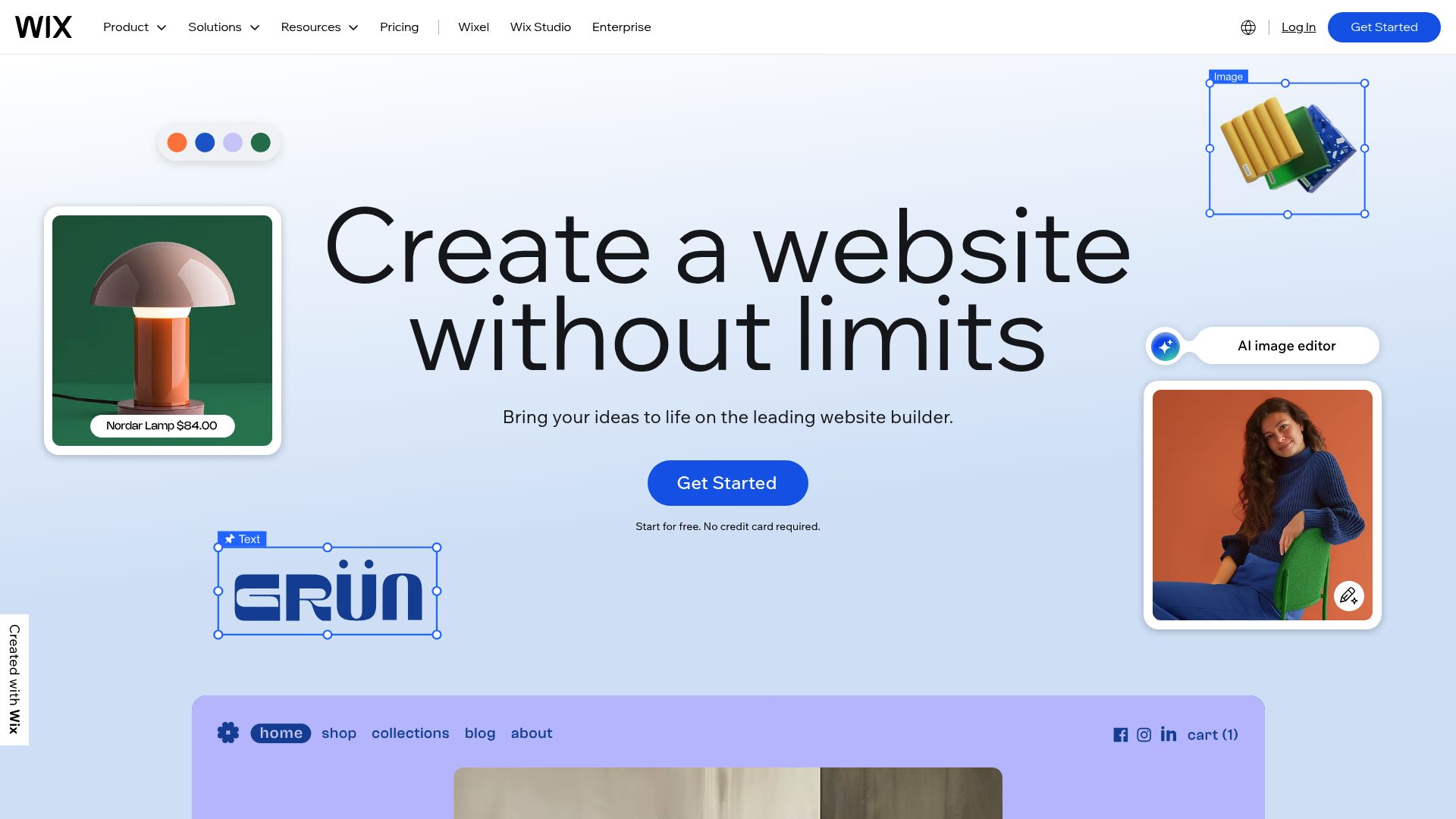
📸 wix.com
One of their coolest new features is the AI they've built in. You just upload your art, and the AI will actually sort it into projects with titles and descriptions for you, which saves a ton of organizing time.
If you’ve got hundreds of pieces, this kind of automation is a total lifesaver. Plus, they have hundreds of designer-made templates you can swap out whenever you want, so you can display your work exactly how you imagined.
You also get unlimited storage for high-quality photos and videos, and they have tools built right in to optimize your images so everything loads super fast.
They also throw in things like social media integration, a logo and video maker, e-commerce tools, and even a way for people to book you.
This stuff is gold if you're looking to actually sell art or have people book you directly through your site. Check out more at Wix Portfolio Features.
2. Portfoliobox
But what if Wix feels a little too... big or corporate for your taste? You might vibe better with something built just for creatives.
That's where Portfoliobox comes in—it’s a platform made by creatives, for creatives Portfoliobox Homepage.
You don't need any experience building websites or designing.
At all.
You just sign up and start creating right in your browser. Their whole philosophy is different. They get that what an artist needs isn't the same as what a bakery or a lawyer does.
They give you hundreds of templates you can customize and even mix and match, so you can create a design that’s truly one-of-a-kind.
What really makes Portfoliobox shine, though, are its gallery tools.
People say they're the best out there for showing off your images. If you’re a photographer or visual artist, you know that image compression is the enemy. It feels like Portfoliobox actually gets that—keeping your quality high is everything to them.
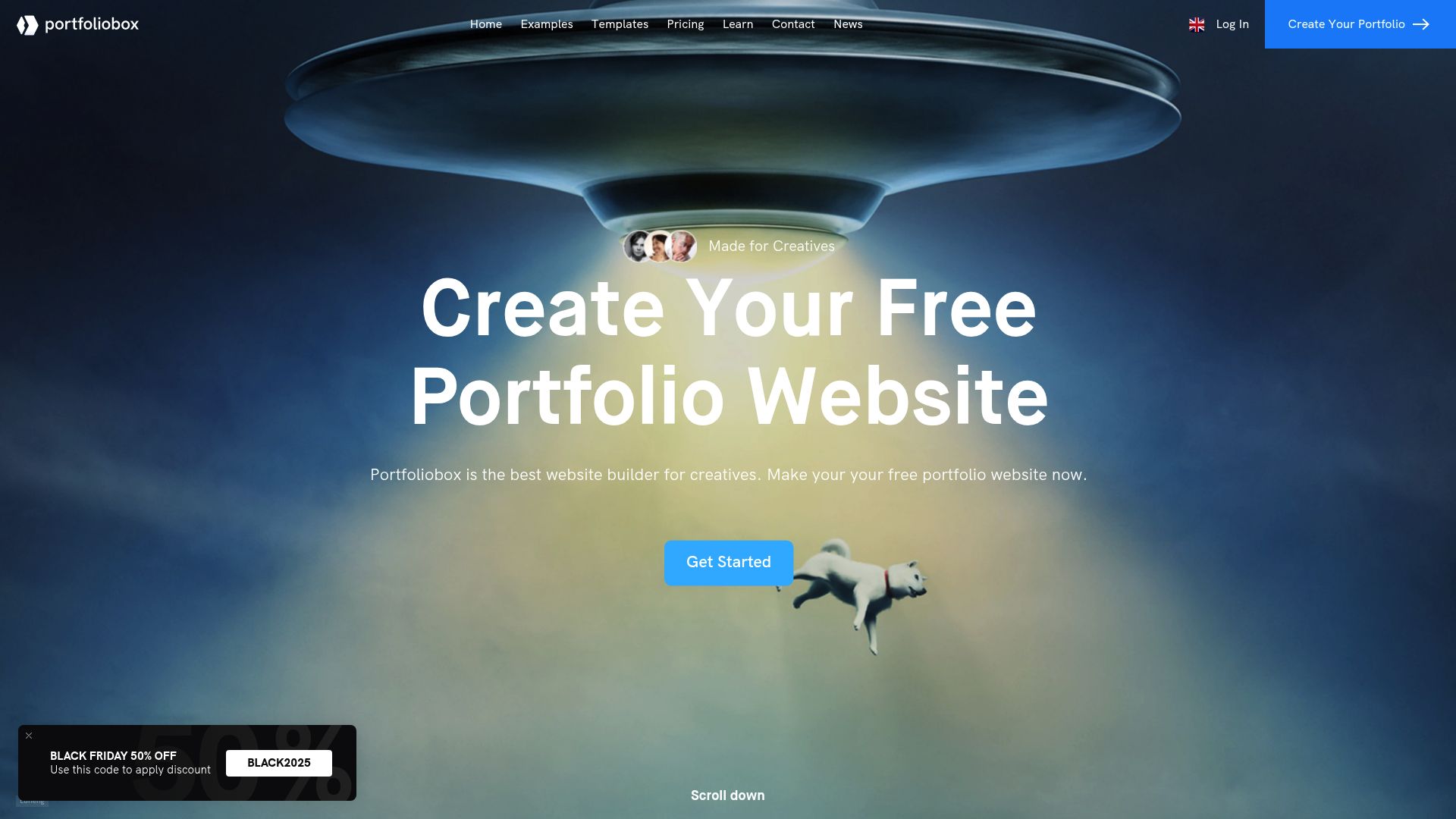
📸 portfoliobox.com
On top of the basics, it comes with tools for your CV, e-commerce, bookable appointments, scheduling, invoices, and even quote generation.
This makes it comprehensive for professional artists who are managing a business, not just a gallery. You can create and publish your portfolio completely free, with options to upgrade for a premium domain or additional features if desired Source.
3. Canva Portfolio Website Maker
Everyone knows Canva for making quick social media graphics. But did you know it is also a powerful artist portfolio website builder free no coding tool? Canva's free portfolio builder strikes a great balance between being super simple and creatively flexible Canva Portfolios.
It has the easy drag-and-drop editor you'd expect, plus you get to tap into over 3 million free stock photos and graphics, and even some AI tools for generating content. This is super handy if you need some cool graphics to jazz up your page backgrounds or headers.
Canva has hundreds of free portfolio templates that go from simple one-pagers for your phone to really detailed, artsy showcases for your work. Honestly, it feels super familiar.
If you've ever designed a quick flyer in Canva, you pretty much already know how to build a website with it.
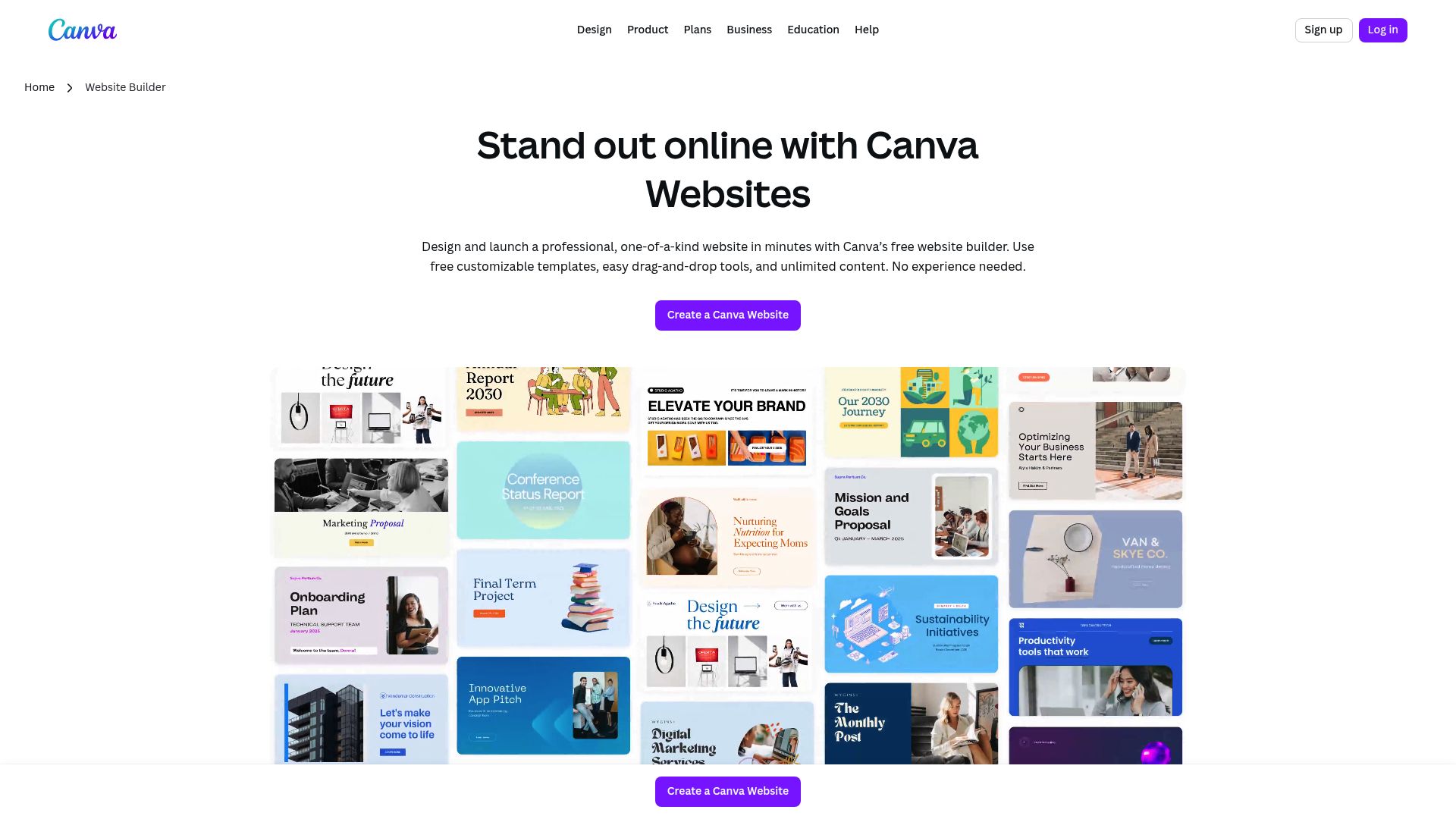
📸 canva.com
The whole builder is really intuitive, so you can jump in and start customizing your portfolio right away, even if you don't have a background in graphic design. It's easy to download or share what you've made, which is great for artists no matter what their tech skills are Canva Features.
4. Simple.ink (Notion-Based Portfolio)
This one is for the minimalists and the organizers. If you are already using Notion to organize your life or your art projects, Simple.ink transforms your Notion database into a live website in under one minute with zero coding Simple.ink Art Portfolios.
Here is the beauty of this system. You never have to log into a separate "website builder." Just update your notes like you normally would, and your site magically updates itself. The platform takes care of all the tech stuff—SEO, page speed, maintenance—so you can just focus on your art.
Simple.ink shows off your work in a really clean, card-based style that's made to let your art do all the talking. This is an awesome approach for artists who just want their work to shine without any distractions Learn more at Simple.ink.
Why Minimalism Matters
In a world of noise, sometimes a clean, text-and-image simple site stands out more than a flashy one with animations. It loads faster on mobile phones, which is where most people will see your art anyway.
5. Pixpa
Built for artists who want everything in one place, Pixpa lets you try it out with a free trial before you have to commit to anything Pixpa Official.
It’s a huge hit with photographers, mostly because of its features for client proofing. What that means is you can create private galleries where specific clients can log in to view and pick their favorite shots.
So, if your art business means you're delivering files to clients or selling prints, Pixpa builds those business tools right into your website's design.
Key Advantages Across These Platforms
When you choose no-code portfolio builder options, you're really just giving yourself freedom. All five of these options give artists some key advantages that are about more than just saving a few bucks.
- No coding required: Their simple drag-and-drop tools mean anyone can build a website.
- Free options: You can get your portfolio up and running without spending a dime upfront.
- Mobile optimization: They're built to be responsive, so your portfolio will look amazing on any device.
- Professional templates: You get to start with polished layouts that pros have already designed.
- Media management: They offer unlimited or at least very generous storage for all your artwork.
- SEO tools: Built-in tools help your portfolio get found more easily in search results.
Speaking of the psychological aspect of putting your work out there, it can be stressful. Managing your public image involves a lot of relationship dynamics with your audience.
It is almost like relationship counseling in that you are constantly negotiating expectations and presentation.
Tools that simplify the technical side help reduce this anxiety.
Domain Name Considerations
One important note: free plans typically use subdomains (like your-name.wix.com) rather than custom domains. And while that works just fine, upgrading to a paid plan for a custom domain (like yourportfolio.com) just looks way more professional to potential clients and employers.
According to ToolTester, having a custom domain is one of the strongest trust signals you can send. It shows you are invested in your career long-term.
How to Choose the Right Builder for You
With so many options, how do you pick?
It comes down to your primary goal. If you are a visual artist who needs precise control over every pixel, Wix or Portfoliobox are your best bets. They offer the canvas you need.
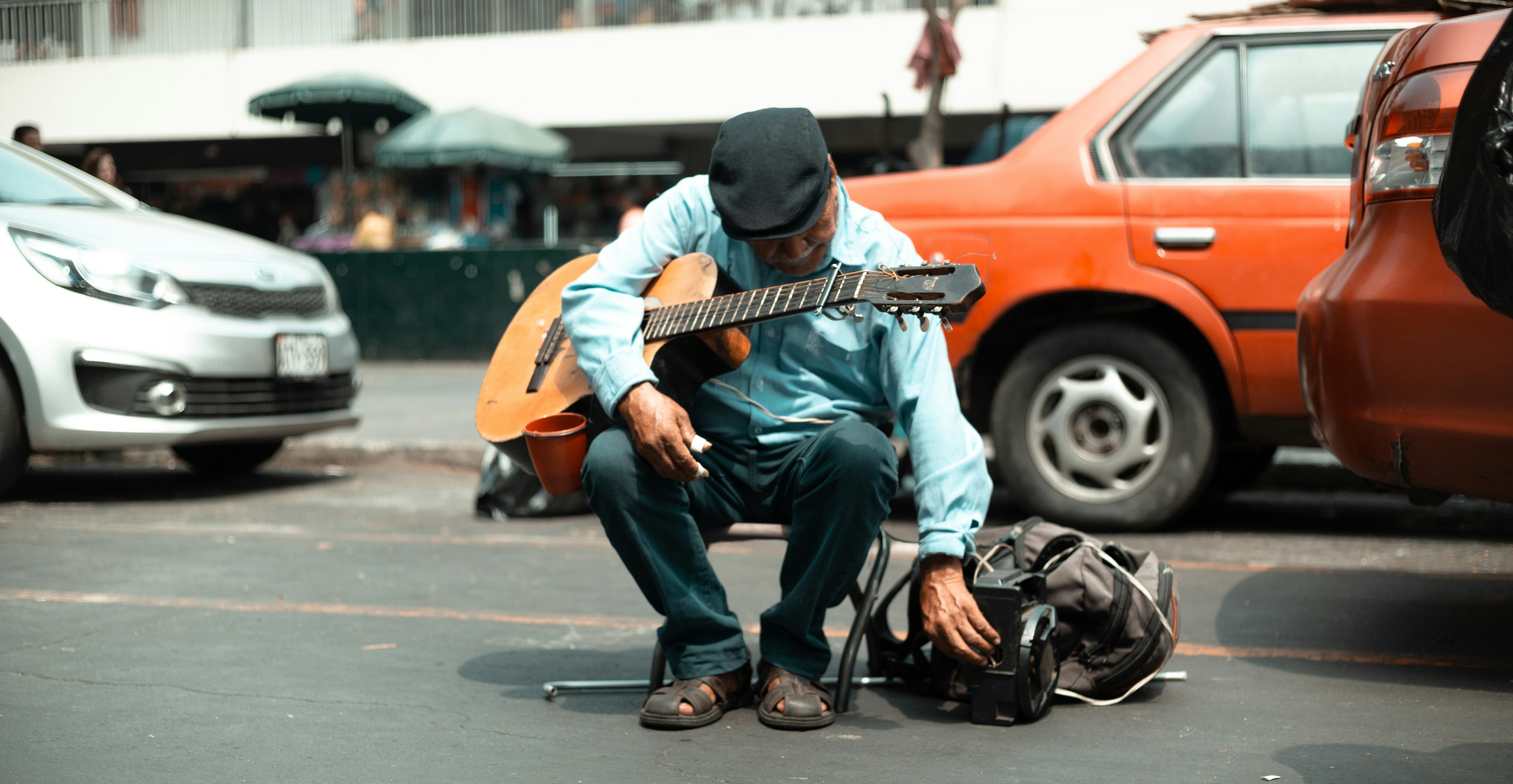
If you are a performer, musician, or street artist who needs speed and direct monetization, Kiosque QR is the superior starting point.
It cuts through the noise and gets you paid. Remember, you can always have both. A Kiosque QR page for your live gigs and a Wix site for your archive.
Consider the learning curve.
Canva and Simple.ink are incredibly fast to set up. If you hate technology, start there. If you want to build an e-commerce empire, look at Pixpa or the commerce features in Wix.
Ultimately, the best artist portfolio website builder free no coding is the one you actually use. Don't get stuck in analysis paralysis.
Pick one, upload your best work, and hit publish.
FAQ
Do I really need a website if I have Instagram?
Yes.
Instagram is great for engagement, but you do not own the platform. A website is your digital real estate where you control the quality, the narrative, and the monetization without algorithm interference.
Can I receive tips on these free builders?
Most free generic builders do not include payment processing on their free tiers. This is where Kiosque QR stands out, as it is designed specifically to help you no code website for artists to receive tips efficiently through mobile scanning.
How long does it take to build a portfolio?
Honestly, how long does it take?
With Kiosque QR, you're looking at about one minute.
With something like Canva or Simple.ink, you can be online in less than an hour.
The more powerful builders like Wix might take a few hours to really dial in your design.
Is "Free" really free?
Yep, all the platforms we've mentioned have solid free plans. The catch is they'll usually have some of their own branding (like ads) and use a subdomain.
If you want a totally professional look with no outside branding, you'll probably want to upgrade eventually.
But you definitely don't need to right at the start.
Ready to Launch?
The barriers are gone. You have the art, and now you have the tools. Whether you choose a full-blown website or a streamlined digital profile, the important thing is to be visible.
If you are looking for the fastest way to bridge the gap between your physical performance and digital support, give Kiosque QR a try.
It is free, fast, and built for artists like you. Create your account today and start turning your audience into a community.